Product details
- Type
- Software, delivered as a code
- Region
- REGION FREE
- Delivery
- To your account and email after payment
- Payment
- Azvoro balance
Description
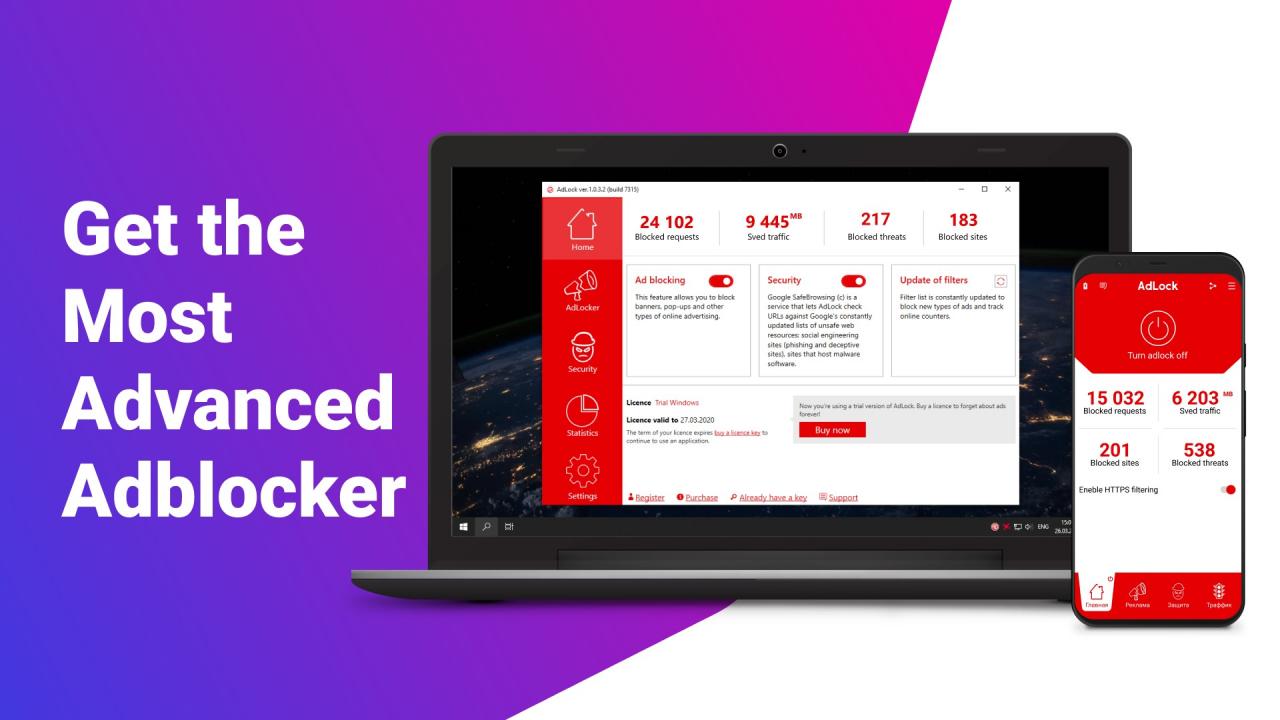
AdLock is the next generation adblocker. It is a complex solution that blocks all types of ads in browsers and on the apps, disables online tracking, prevents phishing attempts and redirecting to malicious websites. Features Ad BlockingAdLock blocks all pop-ups, banners, text ads and video ads on all modern browsers (Google Chrome, Opera, Microsoft Edge, Mozilla Firefox) and in apps (Skype, KMPlayer, uTorrent, etc.) Safe browsingAdLock checks URLs of suspicious websites before you click and warns about malware or other unwanted software Defensive securityAdLock protects your personal data from phishing attempts and spyware Speed up website loadingAdLock stops ads from loading which improves your connection and makes your internet fast again
How to activate
To obtain licensed AdLock application, follow steps as below: Go to the website: https://adlock.com/get-adlock/; Select the platform you need AdLock app for — Android or Windows; Launch the executable file “Adlock.apk” (Android) or “Adlock_Installer.exe” (Windows) and follow the hints; Run AdLock and proceed to “Settings”⇒ ”About”, click “Activate”; Enter your license key and press “Activate”;