Product details
- Type
- Game, delivered as a code
- Platform
- Steam
- Region
- REGION FREE
- Delivery
- To your account and email after payment
- Payment
- Azvoro balance
Description
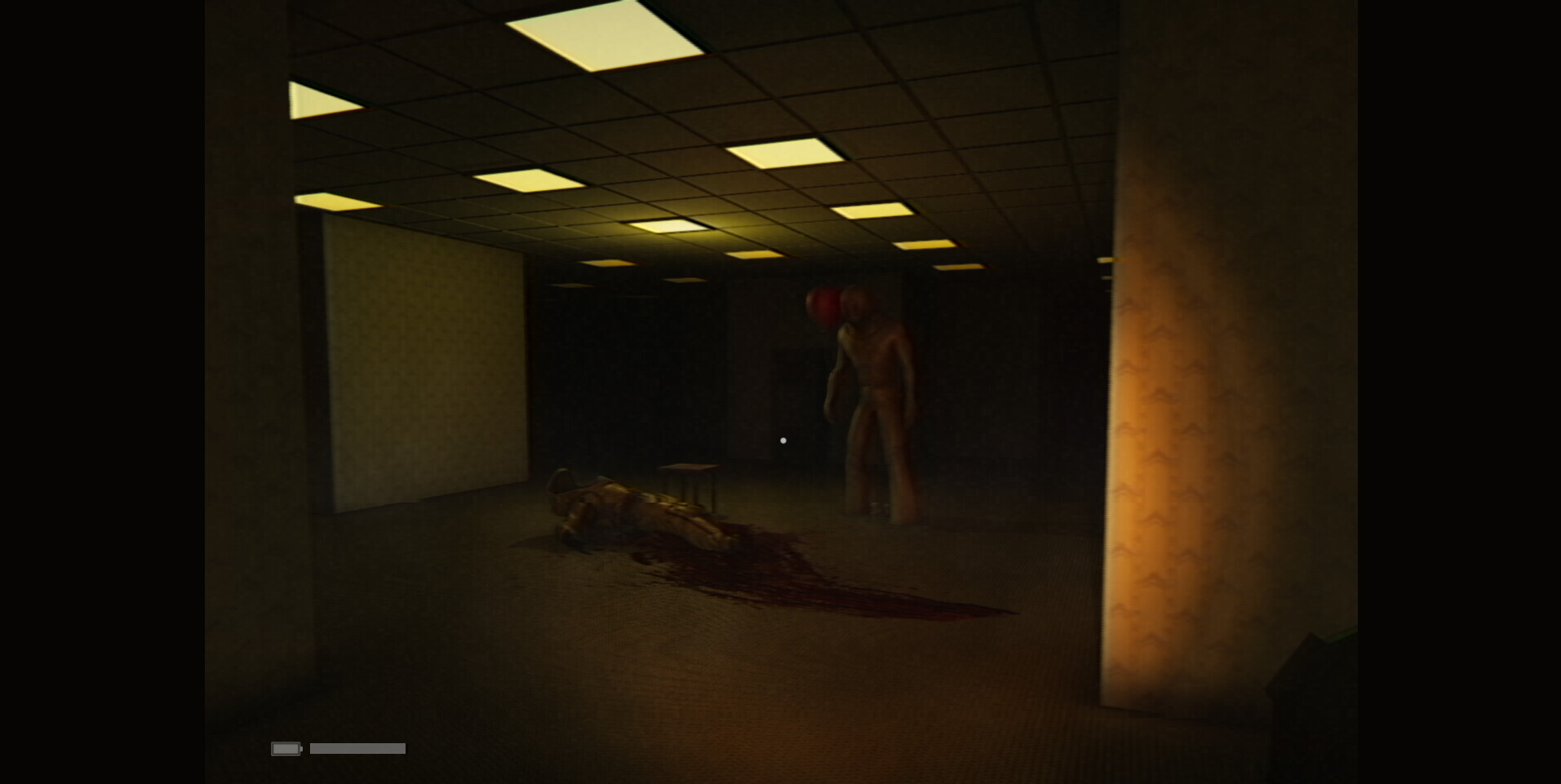
Backrooms: Partygoers is a backrooms horror game based on Level 0 where you play as a researcher tasked to find anomalies inside the backrooms. You are equip with devices that can beep whenever an anomaly is near, where the partygoers roam and can hear you.Step into the nightmarish world of Backrooms Partygoers, a bone-chilling horror game where the labyrinthine corridors of the Backrooms are your only escape—and your greatest fear. This immersive experience plunges you into the darkest corners of an endless, decaying maze filled with the echoes of forgotten screams and the malevolent presence of Partygoers—distorted creatures that thrive on terror.As a researcher you will be equipped with different devices such as with the anomaly scanner toold, which will help you locate any targets - however the downside of this it will attract any enemies to you. Such enemies, the 'partygoers' are not as friendly as their name sounds. These creatures will feed on you, just like they did with other researcher that failed their tasks. Will you be able to get out alive or will you forever be stuck in the Backrooms? Hide, scan for targets, find batteries for flashlight and much more. Scavenge for water and other supplies from dead bodies stuck in the Backrooms and try to escape the backrooms. You are not alone. Features Realistic graphics, terrifying VHS effects and an immersive experience. Find tools, such as the anomaly scanner which will help you. Be careful of the terrifying creatures that lurks inside the backroom. Hide inside lockers, scavage dead bodies for water and try to escape alive! Explore areas, find anomaly crates, scavage for water and much more. Free to roam around the backrooms at your own will, however try not to go too far.
How to activate
Go to: http://store.steampowered.com/ and download STEAM client Click "Install Steam" (from the upper right corner) Install and start application, login with your Account name and Password (create one if you don't have). Please follow these instructions to activate a new retail purchase on Steam: Launch Steam and log into your Steam account. Click the Games Menu. Choose Activate a Product on Steam... Follow the onscreen instructions to complete the process. After successful code verification go to the "LIBRARY" tab and start downloading.