Product details
- Type
- Game, delivered as a code
- Platform
- Xbox One
- Region
- REGION FREE
- Delivery
- To your account and email after payment
- Payment
- Azvoro balance
Description
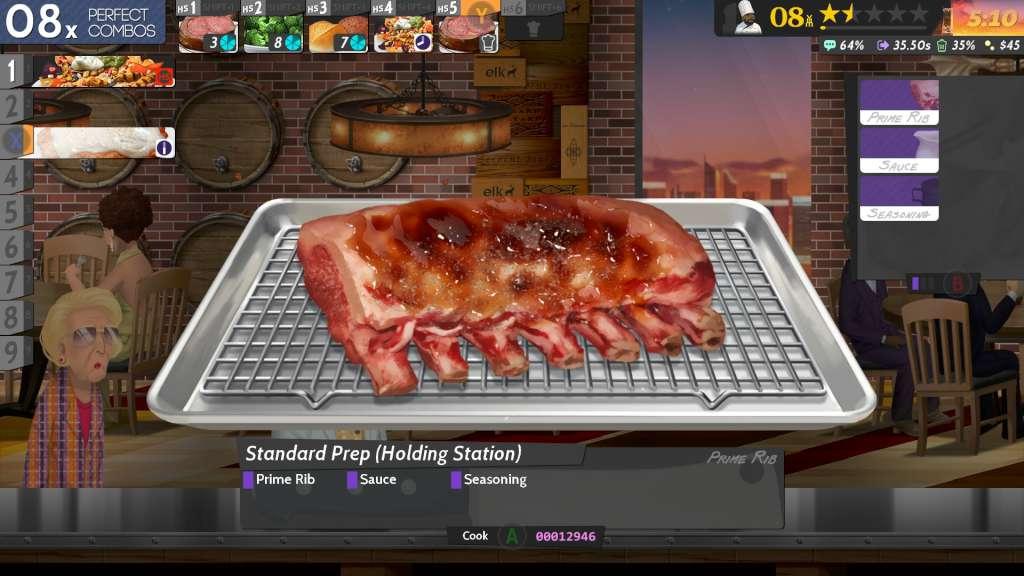
Cook, Serve, Delicious! 2!! is the massive sequel to the surprise best selling original, one of the few games that gives players complete control on how they want to build their restaurant. CSD 2 is a 60+ hour experience as you build your restaurant from a roach infested eatery to a World Class Platinum Star experience by either running your own restaurant or branching out as a chef for hire, where you take jobs within the tower and various restaurants as you gain experience with the large array of foods, which spans 400 levels across 33 restaurants! Features A 60+ hour Campaign Mode as you build your restaurant from a roach infested eatery to a World Class Platinum Star experience. A new campaign mode called Chef for Hire, where you take jobs within the tower and various restaurants as you gain experience with the large array of foods. This massive new mode spans 350+ levels across 30 restaurants! The return of the classic Cook, Serve, Delicious! mode where you can build up your restaurant with the menu of your choosing, including decorating your restaurant with nearly one thousand unlockable objects! All new gameplay features and additions, with a greater flexibility of difficulty for those who like it casual or insanely difficult. Over 180 foods, sides, drinks and desserts to choose from, a staggering increase from the 30 foods in the original game. New local co-op mode! The all new split screen co-op feature allows you to play through the entire game with two players, with the ability for players to drop in and out during your progress within the game. All new 1080p native/60fps code.
How to activate
Use the credentials you received (directly or via an external website) and log into the account. Make sure that the content on the account is correct (correct edition of the game, no playtime etc.) Add the purchased account to your console and set it as Xbox home account: Purchased account has to be added as a new user, not as a guest30 Xbox Series X S How to Make Account Primary! Change the credentials to make the account your own: Change the email Change the password Add 2FANOTE: Applying any changes to the purchased account, such as adding a payment method or changing the region, may result in the account being banned. In such cases, no refund is applicable. Once the account is added to your console (as a Xbox home account), download the game and switch back to the account you would like to play from. This way your progress will be saved on the account you are using.* The account should be used as a way of accessing the game/content you are interested in. It is not recommended to use it as your main account, as you might have issues with making purchases on it. *Note: Some content available in the Special Editions like in-game currency, skins, bonuses etc. may not be accessible from your main account.
You may also like