Product details
- Type
- Game, delivered as a code
- Platform
- Steam
- Region
- REGION FREE
- Delivery
- To your account and email after payment
- Payment
- Azvoro balance
Description
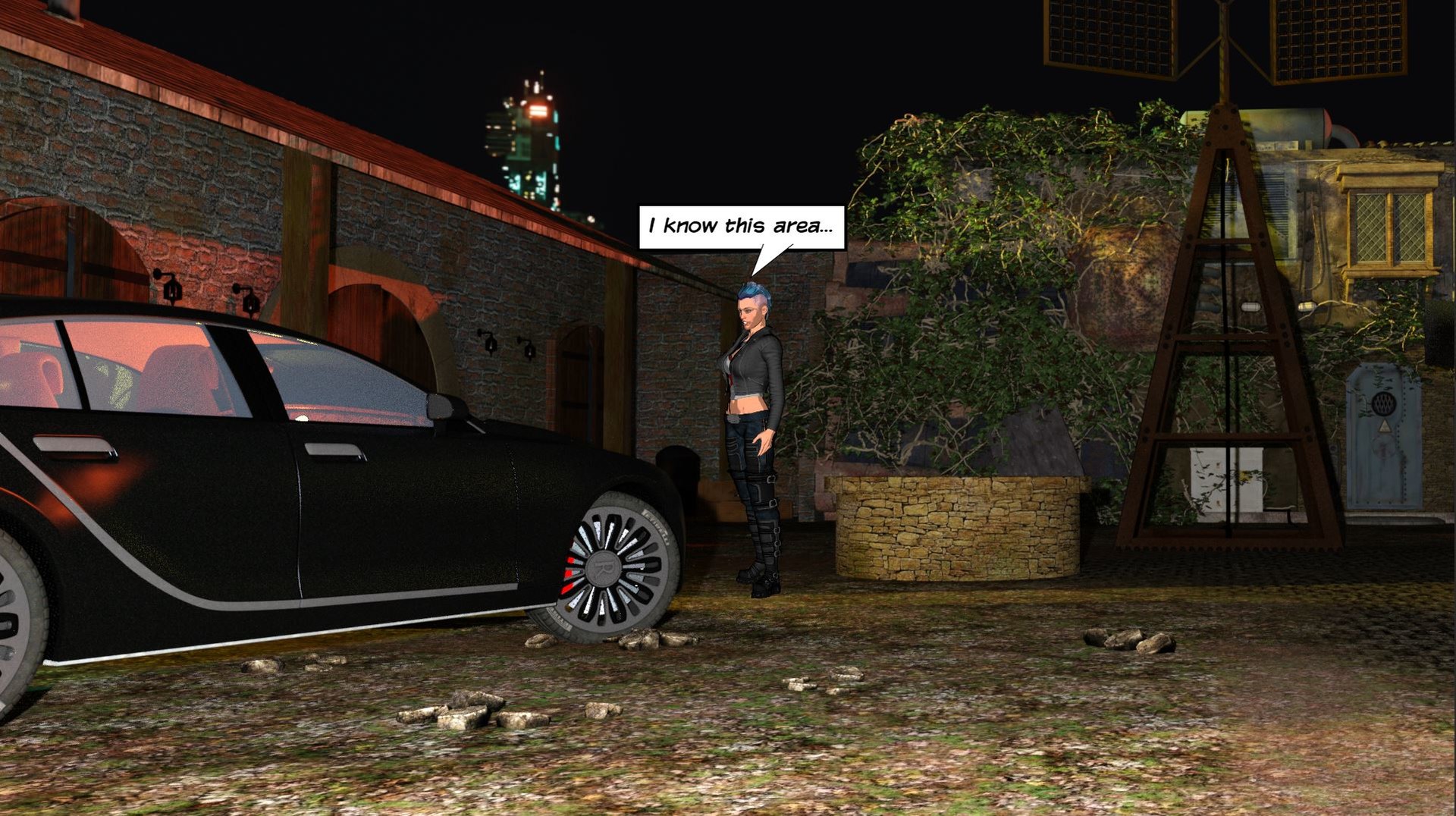
Cyber Noir Stories: The Trunk is the creation of a solo developer from Germany and a game that blurs the lines between a classic point-and-click adventure and a decision-driven visual novel.In the fictional city of New Cologne, you'll step into the shoes of Eve, a tough-as-nails private detective whose skill and choices will determine your path through this dark and captivating story. Cyber Noir Stories: The Trunk offers you the unique opportunity to dive into a world where every decision counts and every interaction can influence your fate. Features Exploration and Interaction: Dive into Eve's world, explore her surroundings, and solve complex puzzles by skillfully combining items in your inventory. Communication as a Tool: Use your communication skills to gather information, build relationships, and advance the story. The way you interact can shed light on the mysteries or lead to unexpected turns. Inclusive Narrative: As an LGBTQ+-friendly game, we embrace diversity and offer an inclusive experience that respects and celebrates the diversity of identities and relationships. Classic Look Meets Modern Narrative: Enjoy the perfect blend of classic point-and-click adventure design and the expressive, profound dialogues of a visual novel. Action-Packed Moments: Quick Time Events inject dynamism and excitement into the story, challenging your reflexes and providing a varied gaming experience. Often there is more than one way to the goal. However, it does matter which one you choose. The Trunk comes with several different endings– every choice matters and can steer the story in a completely new direction.
How to activate
Go to: http://store.steampowered.com/ and download STEAM client Click "Install Steam" (from the upper right corner) Install and start application, login with your Account name and Password (create one if you don't have). Please follow these instructions to activate a new retail purchase on Steam: Launch Steam and log into your Steam account. Click the Games Menu. Choose Activate a Product on Steam... Follow the onscreen instructions to complete the process. After successful code verification go to the "LIBRARY" tab and start downloading.