Product details
- Type
- DLC, delivered as a code
- Platform
- Steam
- Region
- Rest of the world (RoW) - custom
- Delivery
- To your account and email after payment
- Payment
- Azvoro balance
Description
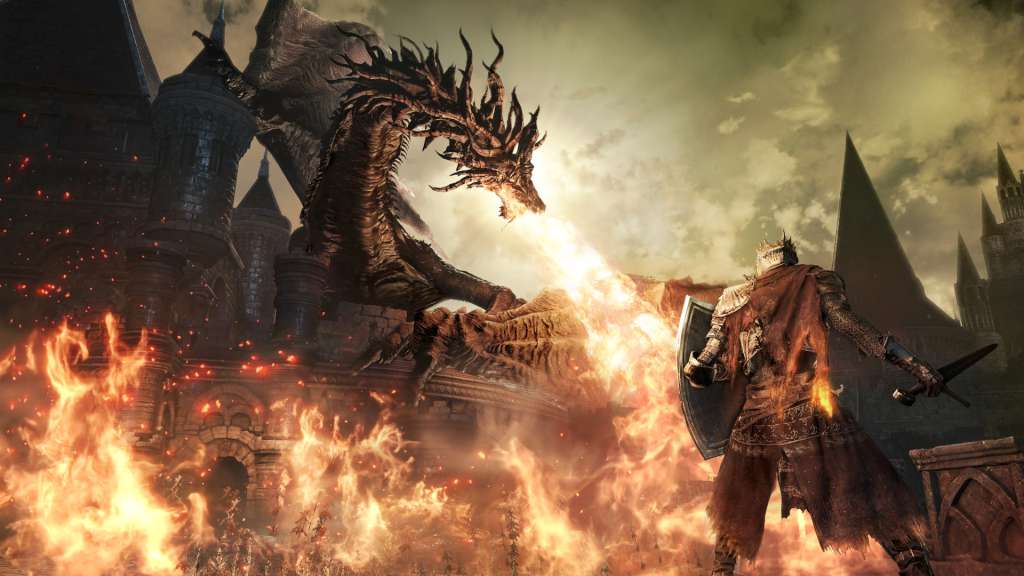
Includes 2 items: DARK SOULS III, DARK SOULS III - Season Pass DARK SOULS III continues to push the boundaries with the latest, ambitious chapter in the critically-acclaimed and genre-defining series.As fires fade and the world falls into ruin, journey into a universe filled with more colossal enemies and environments. Players will be immersed into a world of epic atmosphere and darkness through faster gameplay and amplified combat intensity. Fans and newcomers alike will get lost in the game hallmark rewarding gameplay and immersive graphics.Now only embers remain… Prepare yourself once more and Embrace The Darkness! Expand your DARK SOULS III experience with the Season Pass and gain access to 2 epic DLC packs at a discounted price. Challenge yourself with new maps, bosses, enemies and additional weapon and armor sets. Prepare yourself once more and embrace the darkness. Features Atmospheric Visuals: dynamic lighting and particle effects immerse players into a dark fantasy world of ruin. Interconnected World: expertly crafted world encourages players to explore vast and breathtaking landscapes. Sword Action: diversifies combat action allowing players to craft their own unique play style. Unique Online System: evolution of trademark online multiplayer functionality that seamlessly integrates online interactions into single player story.
How to activate
"Please remember that we are NOT responsible for any problems that may arise from purchasing and using Steam Gifts. You are doing it at your own risk. "Please note, that due to recent Valve Steam Gift policy update Steam Gifts for games that are covered by VAC ban program can no longer be added to Inventory. Make sure that you are logged in to the proper account before entering the link as Steam Gifts can be only added to your library or rejected. How do I use a Steam gift given to me? If you do not already have Steam, download and install Steam here. Once you have Steam installed, you will be prompted to create an account or login to an existing Steam account. If you do not have an account, please create one. You will receive an e-mail containing a link that will open Steam allowing you to redeem your gift. After clicking the link, you will receive a notification at the top right corner in the Steam client informing that you have a new gift.