Product details
- Type
- DLC, delivered as a code
- Platform
- Steam
- Region
- REGION FREE
- Delivery
- To your account and email after payment
- Payment
- Azvoro balance
Description
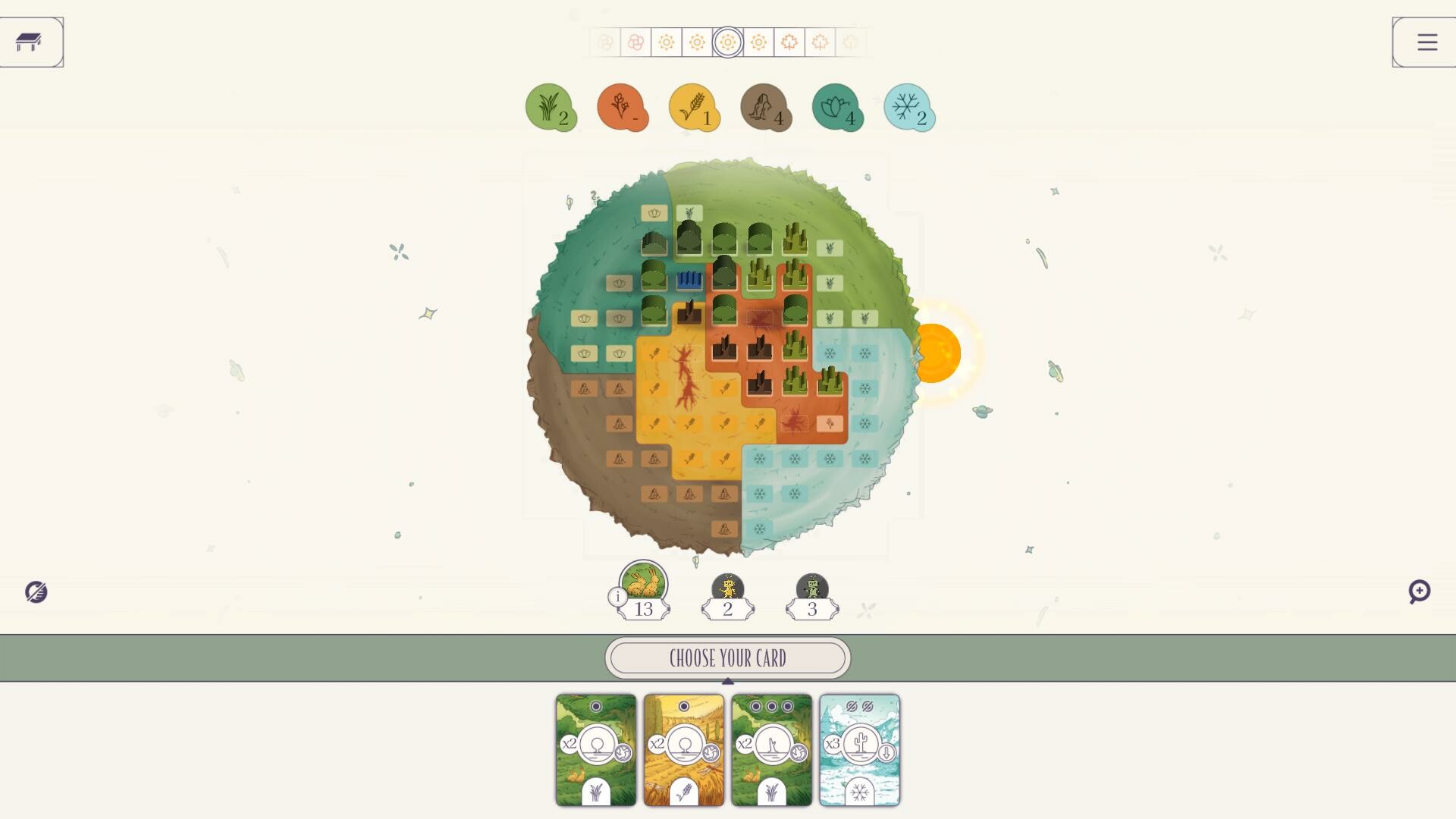
Cacti can grow very fast, but they need a lot of Light to survive. Make sure they are not in shadow at the end of a Season or they will die!When playing with Cacti, apply the following changes to the core rules:Negative Fertility IconsBiome cards with the Plant Cactus Power come with 2 Negative Fertility icons. Whenever a Biome card with negative fertility is left unchosen at the end of the Draft phase, place it in the Fertility Zone and add it to the stack for the corresponding Biome.Each negative fertility icon counts as -1 towards the Fertility value of that Biome. This can reduce the Fertility value of a Biome below 0.Negative Fertility icons are special Fertility icons that count towards the threshold of 5 icons during the setup of the Fertility Zone.Power ActivationThis is the effect of the Plant Cactus Power:Plant Cactus: Place 1 Cactus pawn from the pool into an empty space in the Biome shown on the card you picked this round.Note: This is different than other Powers, which can be used anywhere on your Planet.
How to activate
Go to: http://store.steampowered.com/ and download STEAM client Click "Install Steam" (from the upper right corner) Install and start application, login with your Account name and Password (create one if you don't have). Please follow these instructions to activate a new retail purchase on Steam: Launch Steam and log into your Steam account. Click the Games Menu. Choose Activate a Product on Steam... Follow the onscreen instructions to complete the process. After successful code verification go to the "LIBRARY" tab and start downloading.