Product details
- Type
- DLC, delivered as a code
- Platform
- Steam
- Region
- REGION FREE
- Delivery
- To your account and email after payment
- Payment
- Azvoro balance
Description
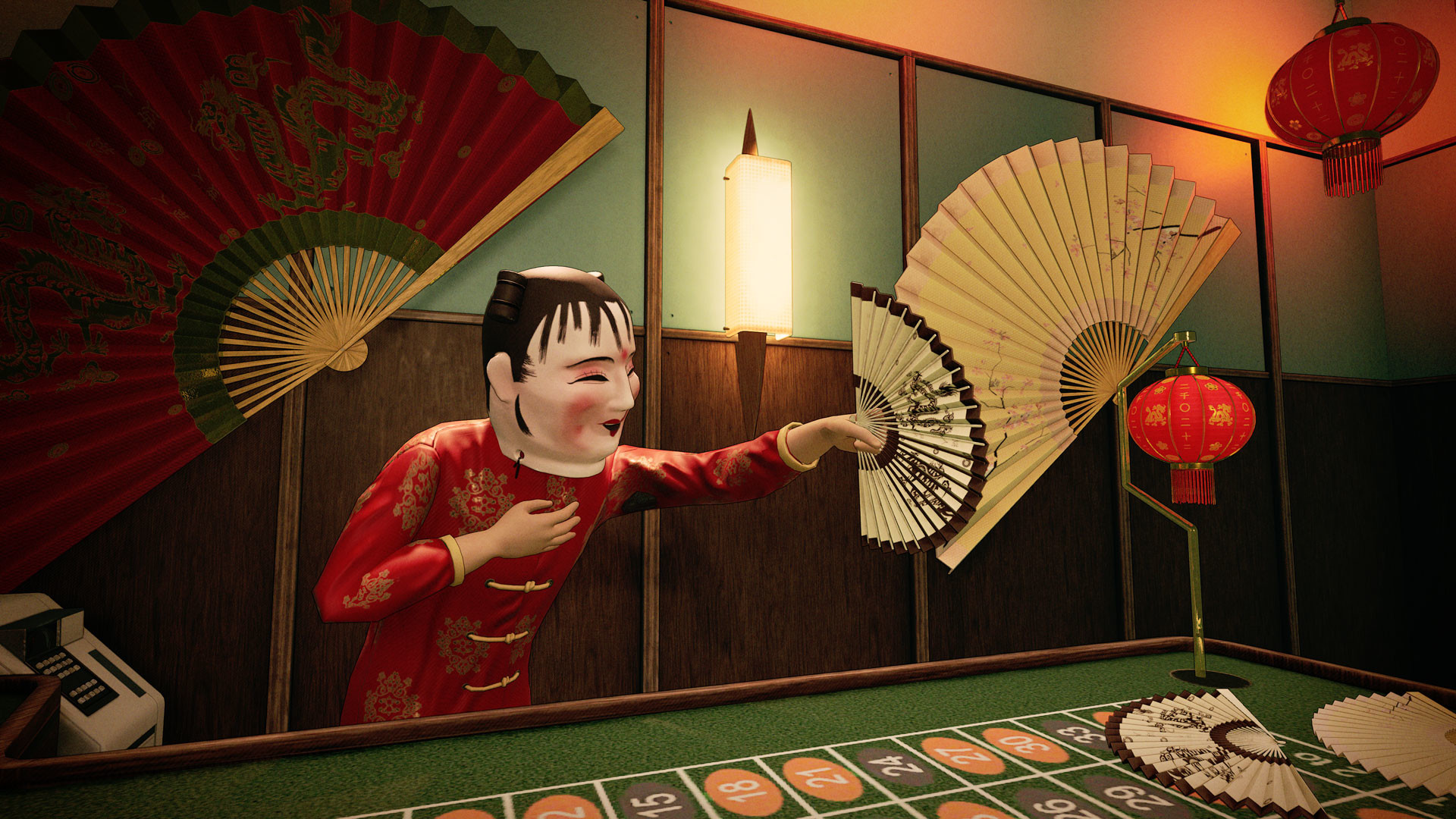
Includes: Accessory: Hand Fan - Brown + Beige Version Accessory: Hand Fan - Red + Gold Version Accessory: Hand Fan - Beige + Pink - Sakura Flower Headwear: Chinese Dragon Mask Headwear: Lunar New Year Puppet Mask Body & Legs: Lunar New Years Dress Body & Legs: Lunar New Years 2-piece Feet: Lunar New Year Feminine Shoes Black Feet: Lunar New Year Feminine Shoes Red Feet: Lunar New Year Masculine Shoes Black Feet: Lunar New Year Masculine Shoes Red Vruumba: Chinese Dragon Vruumba Color #1 Vruumba: Chinese Dragon Vruumba Color #2 Vruumba Antenna: Lunar New Years Lamp Antenna Vruumba Thruster: Fireworks Effect Fireworks are in the air once again aboard the Alithea. One would think such a thing was a bad idea, but not the residents - they're here to celebrate! The robotic vacuum cleaners have been decorated as dragons to roam the halls and instill wonderment upon the ship's residents.It's not only the robotic occupants who are taking part in the Lunar New Year, the residents are also invited to take part with a wide selection of Lunar New Year inspired outfits invoking the traditional spirits of Asia that they left behind long ago.Happy new year!
How to activate
Go to: http://store.steampowered.com/ and download STEAM client Click "Install Steam" (from the upper right corner) Install and start application, login with your Account name and Password (create one if you don't have). Please follow these instructions to activate a new retail purchase on Steam: Launch Steam and log into your Steam account. Click the Games Menu. Choose Activate a Product on Steam... Follow the onscreen instructions to complete the process. After successful code verification go to the "LIBRARY" tab and start downloading.