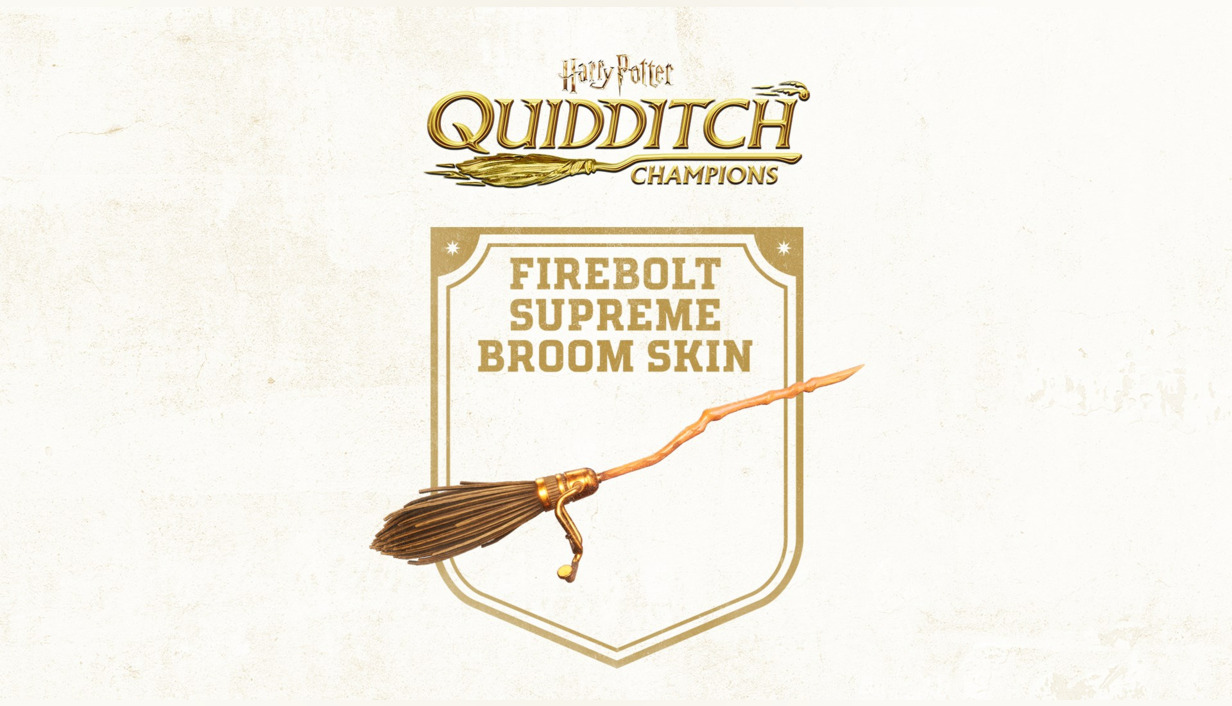
Product details
- Type
- DLC, delivered as a code
- Platform
- Nintendo Switch
- Region
- EUROPE
- Delivery
- To your account and email after payment
- Payment
- Azvoro balance
Description
Your next chapter takes flight! Immerse yourself in the enchanting world of Quidditch by playing solo or sharing the magic with friends and family.
How to activate
Select “Nintendo eShop” on the HOME Menu to launch the Nintendo eShop. Select the account you want to use. Select “Enter Code” on the left side of the screen. Enter the 16-character download code.Any letters and symbols not used with prepaid codes (i.e. O, I, Z, commas, hyphens, etc.) will be disabled from the on-screen keyboard. Select “Send” to confirm. The game will begin downloading once the code is confirmed.The game icon will appear on the HOME menu, with a download status bar. The status bar will disappear once the game download is complete.