Product details
- Type
- Game, delivered as a code
- Platform
- Nintendo Switch
- Region
- EUROPE
- Delivery
- To your account and email after payment
- Payment
- Azvoro balance
Description
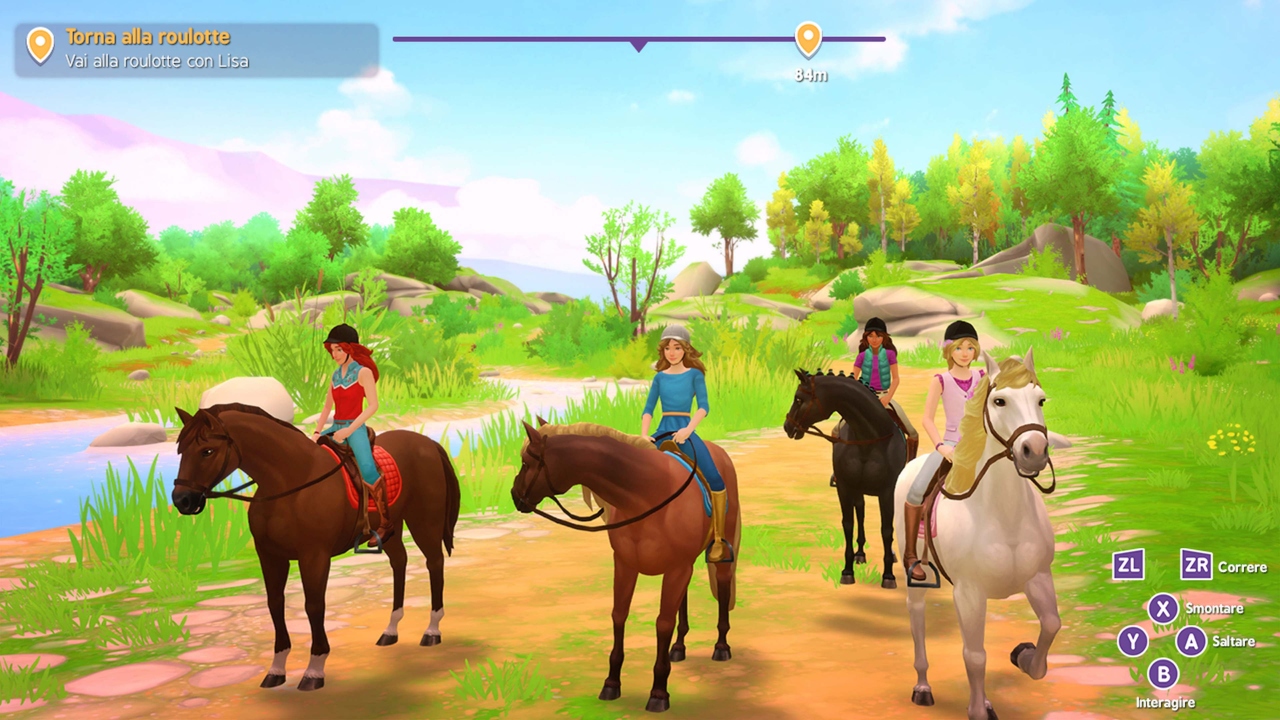
Visit the famous Lakeside Riding Stables and experience an exciting holiday with Hannah, Sarah, Lisa, Sofia and their horses! Horse Club Adventures will transport you to the wonderful world of Lakeside Riding Stables. Together with Hannah, Sarah, Lisa, Sofia and their horses, you will experience countless breathtaking adventures! There is so much to discover in this open world game, bringing to life the beloved Horse Club™ characters and its beautiful, lovingly designed locations, such as the café, caravan and riding stable. Horse Club Adventures is an action-adventure game packed with excitement, quests to complete, minigames, fascinating secrets, items to unlock and collect, and customization options. Features Vivid and detailed landscapes provide the backdrop to the characters' adventures Horse Club™ favorites and some new faces. An engaging story set in Lakeside with more than 40 main quests. 30 side missions, including the thrilling tales of the mysterious Edith Jacobs. Lots of optional mini-games to help you take care of your horse. Various unlockable outfits and customization options for your character, such as hairstyles, bridles, blouses, boots and helmets in a variety of colors. Customize your horse as you like thanks to the many decorations to unlock, such as different types of tails and manes, saddles, blankets and colors. Complete collections of photos and stickers as you progress through the game. 90 race tracks with three different difficulty levels: launch yourself into a gallop and try to improve your record! A wonderful soundtrack with many emotional pieces.
How to activate
Select “Nintendo eShop” on the HOME Menu to launch the Nintendo eShop. Select the account you want to use. Select “Enter Code” on the left side of the screen. Enter the 16-character download code.Any letters and symbols not used with prepaid codes (i.e. O, I, Z, commas, hyphens, etc.) will be disabled from the on-screen keyboard. Select “Send” to confirm. The game will begin downloading once the code is confirmed.The game icon will appear on the HOME menu, with a download status bar. The status bar will disappear once the game download is complete.