Product details
- Type
- Game, delivered as a code
- Platform
- Xbox One
- Region
- REGION FREE
- Delivery
- To your account and email after payment
- Payment
- Azvoro balance
Description
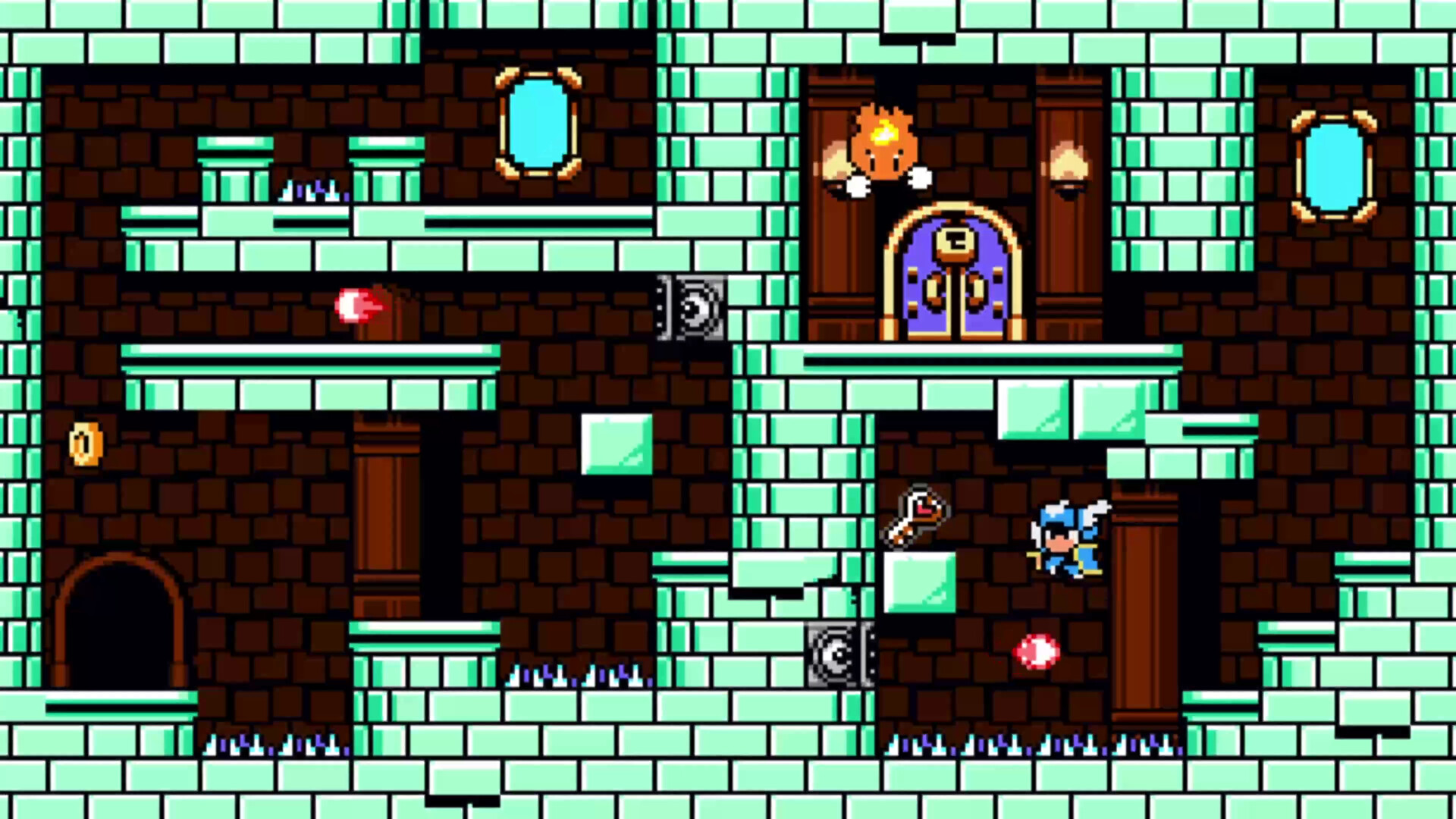
Sir Solomon and the saviors of light depart Castle Cornelius to free Princess Tsuna from the grasp of the evil Devil Lord! But the knight is worried... what if after being freed, the princess falls in love with one of his friends instead of with him? So he does what anyone would do when blinded by love, and ditches his friends! Solomon ventures into the Devil Lord's castle alone, vowing to make the princess his. LABS and Matt Kap present Lovish, an outrageous 8-bit-styled action-adventure game! Venture through a series of bite-sized rooms, slicing up monsters, collecting items and getting to the exit! After exiting each room, enjoy a short event scene, in which anything could happen! Will you find an item? A random encounter RPG fight? Will the world get destroyed? Find out by conquering each room of the Devil Lord's castle, one challenge at a time! Features: 50+ fun levels to play through, each with multiple objectives! Wacky randomized event scenes between levels with hundreds of outcomes! You never know what you're gonna see next! Collect a variety of items to upgrade Solomon's abilities, or expand the game in meaningful (and unmeaningful) ways! Spend your pennies (in-game currency to be clear, no microtransactions here) in the in-game shop! 100+ characters, some of which were designed by world-famous manga artist Ryusuke Mita (Dragon Half) An exciting, 20+ tune soundtrack by Matt Kap (Castle In The Darkness, Astalon: Tears of the Earth) Beautiful human-artist-made pixel art! Even the in-game AI art is drawn by a human person! More secrets than ever before! (But this is the first game in this series, so that doesn't mean much, I guess.) Unexpected guest characters And lots more! So please, be a good friend, and help Solomon rescue the princess!
How to activate
Use the credentials you received (directly or via an external website) and log into the account. Make sure that the content on the account is correct (correct edition of the game, no playtime etc.) Add the purchased account to your console and set it as Xbox home account: Purchased account has to be added as a new user, not as a guest30 Xbox Series X S How to Make Account Primary! Change the credentials to make the account your own: Change the email Change the password Add 2FANOTE: Applying any changes to the purchased account, such as adding a payment method or changing the region, may result in the account being banned. In such cases, no refund is applicable. Once the account is added to your console (as a Xbox home account), download the game and switch back to the account you would like to play from. This way your progress will be saved on the account you are using.* The account should be used as a way of accessing the game/content you are interested in. It is not recommended to use it as your main account, as you might have issues with making purchases on it. *Note: Some content available in the Special Editions like in-game currency, skins, bonuses etc. may not be accessible from your main account.