Product details
- Type
- Game, delivered as a code
- Platform
- Steam
- Region
- REGION FREE
- Delivery
- To your account and email after payment
- Payment
- Azvoro balance
Description
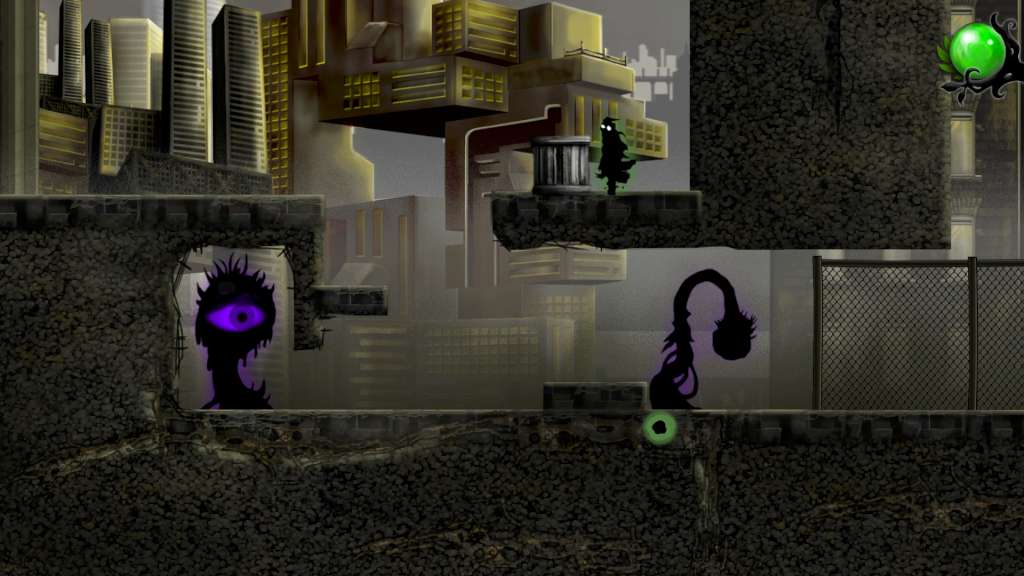
Nihilumbra Steam Gift Platform: Steam Release Date: 29 Sep 2013 Product Description Discover the beautiful world of Nihilumbra and join Born on his adventure to find himself whilst trying to escape from his inevitable curse. Born was created from the absolute nothingness: The Void. But somehow he separates himself from the black emptiness and appears in the world. This is where his long odyssey begins, in which he will learn how to use the colors around him to gain powerful abilities and transform the world. However, his experiences come at a high price. The Void must be one. It seeks to reclaim him and will never stop chasing him, destroying everything in its path along the way. To survive, Born will have to condemn the earth he walks to its inevitable obliteration by The Void... Advise: Nihilumbra has been designed in a way that everyone can enjoy its story, even without previous experience with puzzle games. However, players seeking for a challenge will find it on the second half of the game: the Void Mode. Features The ability to change ground physics using five different colors. Use five worlds as your canvas and transform them at your will. Original soundtrack composed by Álvaro Lafuente. Unlock a great surprise by completing the game. Replayability assured. System Requirements PC System Requirements OS: Windows XP/Vista/7 Processor: 1.6 GHz Memory: 2 GB RAM Hard Drive: 3 GB available space Mac System Requirements OS: Snow Leopard or later Processor: Intel Mac Memory: 2 GB RAM Hard Drive: 3 GB available space Additional Notes: Nihilumbra is not compatible with Apple Trackpad. Linux System Requirements Processor: 1.6 GHz Memory: 2 GB RAM Hard Drive: 3 GB available space
How to activate
"Please remember that we are NOT responsible for any problems that may arise from purchasing and using Steam Gifts. You are doing it at your own risk. "Please note, that due to recent Valve Steam Gift policy update Steam Gifts for games that are covered by VAC ban program can no longer be added to Inventory. Make sure that you are logged in to the proper account before entering the link as Steam Gifts can be only added to your library or rejected. How do I use a Steam gift given to me? If you do not already have Steam, download and install Steam here. Once you have Steam installed, you will be prompted to create an account or login to an existing Steam account. If you do not have an account, please create one. You will receive an e-mail containing a link that will open Steam allowing you to redeem your gift. After clicking the link, you will receive a notification at the top right corner in the Steam client informing that you have a new gift.