Product details
- Type
- Game, delivered as a code
- Platform
- Steam
- Region
- REGION FREE
- Delivery
- To your account and email after payment
- Payment
- Azvoro balance
Description
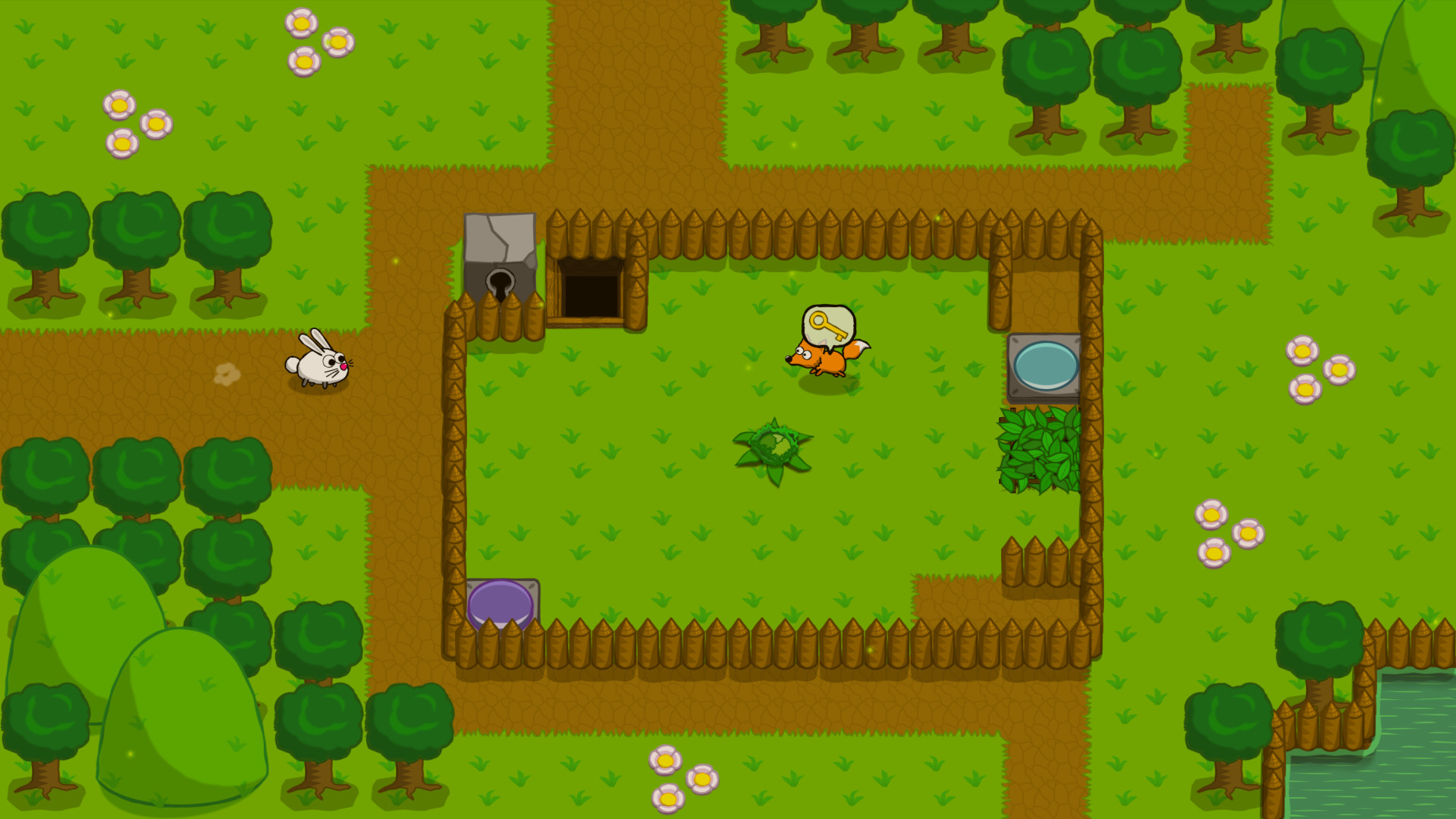
Peppy’s Adventure is a 1-screen, top-down, action-puzzle game controlled with directional inputs only. You control Peppy, a bun-shaped bunny, on his journey to rescue the village younglings from the clutches of the Hooded Fox. As you pursue his airship, you will have to solve your way through short challenging levels as fast as possible facing an army of reckless foxes.Peppy’s Adventure is mixing retro gameplay and 16-bits inspired soundtrack with original sharp sprite-based graphics and a colorful palette. It features simple 2D animated elements and multi-themed tilesets reminiscent of retro console games.Key features 1-screen & grid-based movement challenging action-puzzles Different ways to solve puzzles depending on your skills, taking risks will be rewarding Easy controls in 4 directions, you will be surprised at how much you can achieve without action buttons Experiment on how to manipulate foxes at your advantage Rewind time to undo previous actions up to 10s 126 unique levels across 6 worlds with specific characteristics and power-ups Unlock special levels, bosses, rewards and secrets Die-and-retry mechanics, allows to quick restart a level until you master it Per-level replay feature to help you improve your records and share your gameplay videos with the community Time Attack mode with Steam Leaderboards to compare your records with your friends and top players Can you top the 4-stars staff records? The initial game release will feature 6 worlds and 126 levels. New worlds will be added as free updates on a regular basis until completion of the storyline.
How to activate
Go to: http://store.steampowered.com/ and download STEAM client Click "Install Steam" (from the upper right corner) Install and start application, login with your Account name and Password (create one if you don't have). Please follow these instructions to activate a new retail purchase on Steam: Launch Steam and log into your Steam account. Click the Games Menu. Choose Activate a Product on Steam... Follow the onscreen instructions to complete the process. After successful code verification go to the "LIBRARY" tab and start downloading.