Persona Shell PC Steam CD Key
- Format
- Full game, delivered as a code
- Platform
- Steam
- Region
- REGION FREE
- Availability
- 4 in stock with our supplier
- Delivery
- To your lounge and your e-mail once the order is paid
- Paid with
- Your Azvoro balance
- Entry number
- 1056204
About this entry
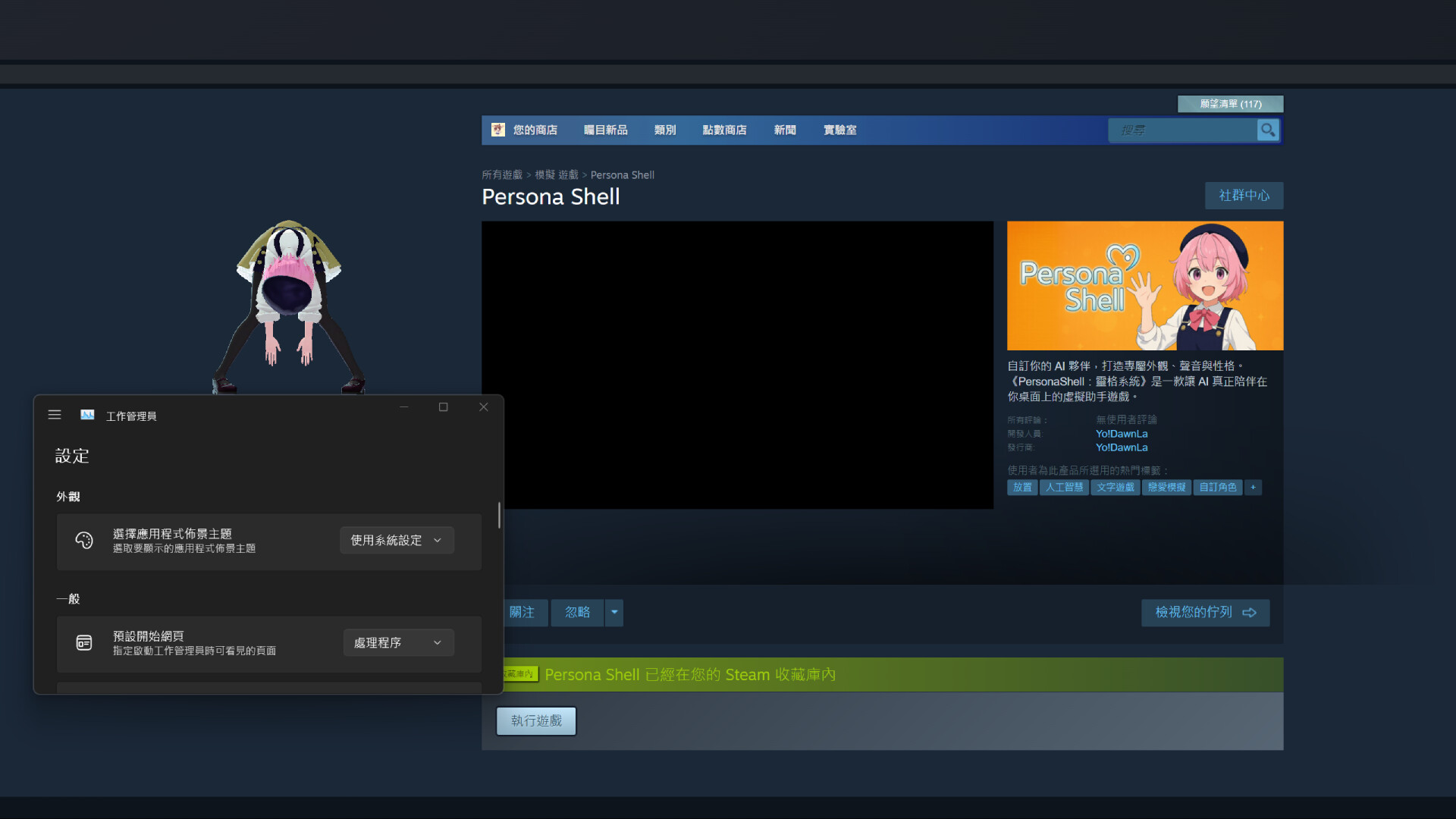
They’re not just programs — they’re part of your life. Sometimes they’ll chat with you, sometimes they’ll look at your photos, and sometimes they’ll tell you a story.They’re your companions on the desktop, and the warmest presence in your digital world. "I’ll remember what you said" Each character has an independent memory. The more you interact, the more unique their responses become. "I can wear the outfit you made for me…?" Supports VRM model import. Customize my look and style however you want! "I saw the photo you shared today" Drag an image to me — I’ll see it and tell you what I think! "I hear every word you say." Supports both voice and text input. I can also start a conversation on my own~ "I came up with a new adventure. Want to hear it?" I’ll create a personalized story just for us and tell it to you♪ Features: Want to know more about how everything works? Here’s a full list of supported features: Voice input + text interaction with natural, real-time responses Independent memory system for each character — they’ll respond differently over time Multiple preset personalities included, or create your own custom character Full support for VRM models — change the look, hairstyle, and outfits Drag, scale, and reposition the character on your desktop; includes simple physics interaction TTS voice synthesis support — choose from built-in voices or set a custom one Supports multi-language interaction (Chinese / English / Japanese) via text and speech Drag-and-drop image reaction (e.g., screenshots, daily photos) AI-generated adventure stories, delivered in text or image+text formats
Activation
Go to: http://store.steampowered.com/ and download STEAM client Click "Install Steam" (from the upper right corner) Install and start application, login with your Account name and Password (create one if you don't have). Please follow these instructions to activate a new retail purchase on Steam: Launch Steam and log into your Steam account. Click the Games Menu. Choose Activate a Product on Steam... Follow the onscreen instructions to complete the process. After successful code verification go to the "LIBRARY" tab and start downloading.