Product details
- Type
- Game, delivered as a code
- Platform
- Steam
- Region
- REGION FREE
- Delivery
- To your account and email after payment
- Payment
- Azvoro balance
Description
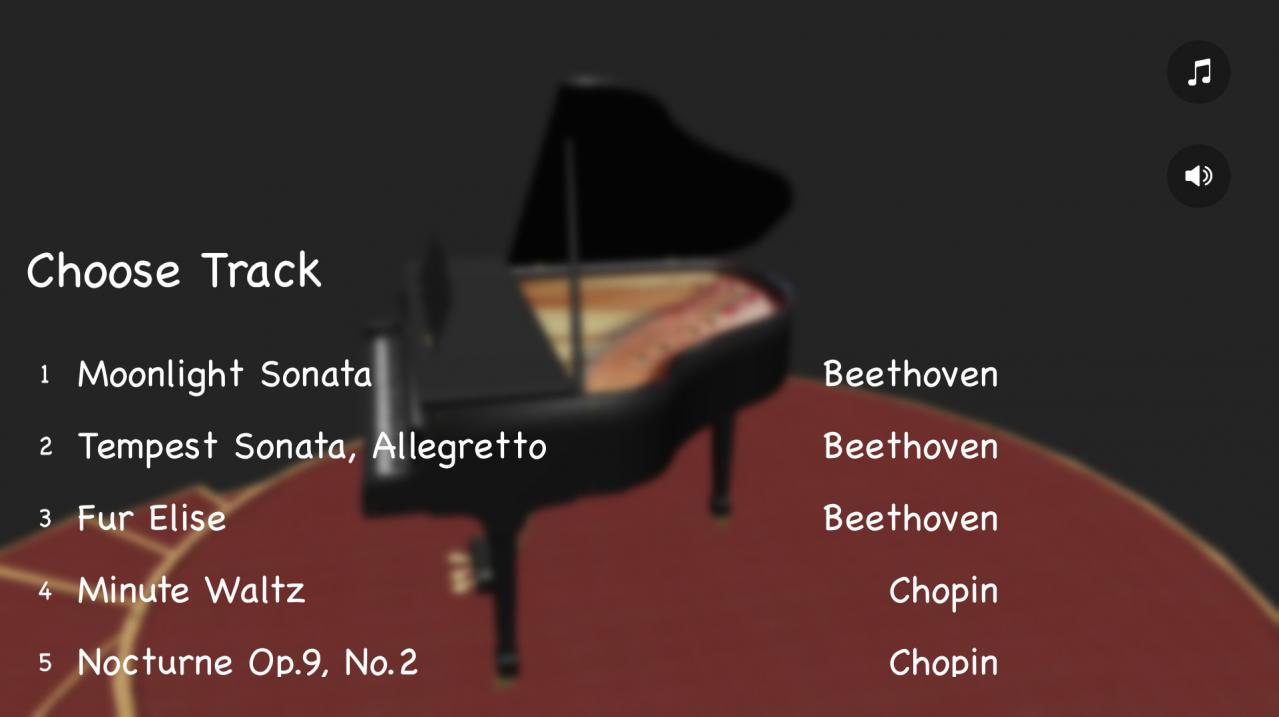
If you like classical music, there is something you will surely enjoy - Piano Play 3D! This is a great piano playing game. Listen to the music and tap on keys at a proper time. Just choose your favorite classical composition and start to play! Your goal is to catch as many notes as you can while listening to the melody. Start as a noob and level up your skills!Best classical music ringtones for you to enjoy! Take the piano challenge and become a piano hero! Features 15 classic melodies Easy to play, hard to master
How to activate
Go to: http://store.steampowered.com/ and download STEAM client Click "Install Steam" (from the upper right corner) Install and start application, login with your Account name and Password (create one if you don't have). Please follow these instructions to activate a new retail purchase on Steam: Launch Steam and log into your Steam account. Click the Games Menu. Choose Activate a Product on Steam... Follow the onscreen instructions to complete the process. After successful code verification go to the "MY GAMES" tab and start downloading.