Product details
- Type
- Game, delivered as a code
- Platform
- Steam
- Region
- REGION FREE
- Delivery
- To your account and email after payment
- Payment
- Azvoro balance
Description
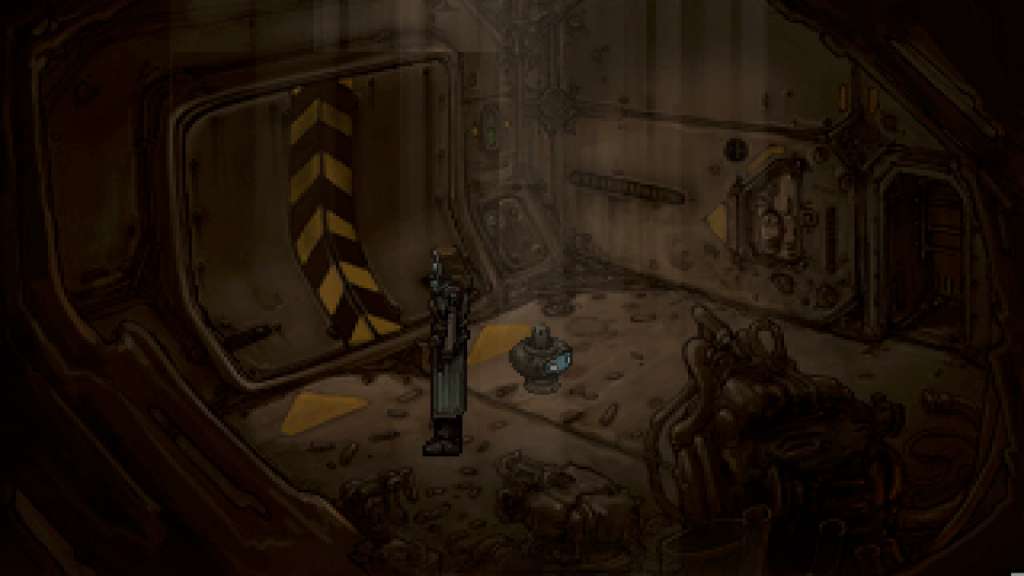
Primordia Steam Gift Platform: Steam Release Date: 05/12/2012 Product Description Set in a post-apocalyptic world strewn with cast-off machines, Primordia tells the story of Horatio Nullbuilt, a stoic robot who values his solitude and independence. Horatio spends his days studying the Book of Man, sparring with his droid companion Crispin, and tinkering with the airship they call home — a peaceful existence that becomes threatened when a rogue robot steals the energy source that the pair needs to survive. When Horatio and Crispin’s search for energy brings them to the dazzling city of Metropol, the simple quest to recover their stolen power core leads to unexpected discoveries about Horatio’s origins and a new understanding of the legendary humans who walked the earth before him. Features An epic storyline about the extinction of the human race Voiceover work starring fan favorite Logan Cunningham Gorgeous post-apocalyptic setting Optional puzzles - learn more about the world the more you play System Requirements OS: Windows XP SP2 or above Processor: Pentium or higher processor Memory: 64 MB Hard disk space: 1.5 Gb Video Card: DirectX 5 or above compatibility
How to activate
"Please remember that we are NOT responsible for any problems that may arise from purchasing and using Steam Gifts. You are doing it at your own risk. "Please note, that due to recent Valve Steam Gift policy update Steam Gifts for games that are covered by VAC ban program can no longer be added to Inventory. Make sure that you are logged in to the proper account before entering the link as Steam Gifts can be only added to your library or rejected. How do I use a Steam gift given to me? If you do not already have Steam, download and install Steam here. Once you have Steam installed, you will be prompted to create an account or login to an existing Steam account. If you do not have an account, please create one. You will receive an e-mail containing a link that will open Steam allowing you to redeem your gift. After clicking the link, you will receive a notification at the top right corner in the Steam client informing that you have a new gift.