Product details
- Type
- Game, delivered as a code
- Platform
- Xbox One
- Region
- REGION FREE
- Delivery
- To your account and email after payment
- Payment
- Azvoro balance
Description
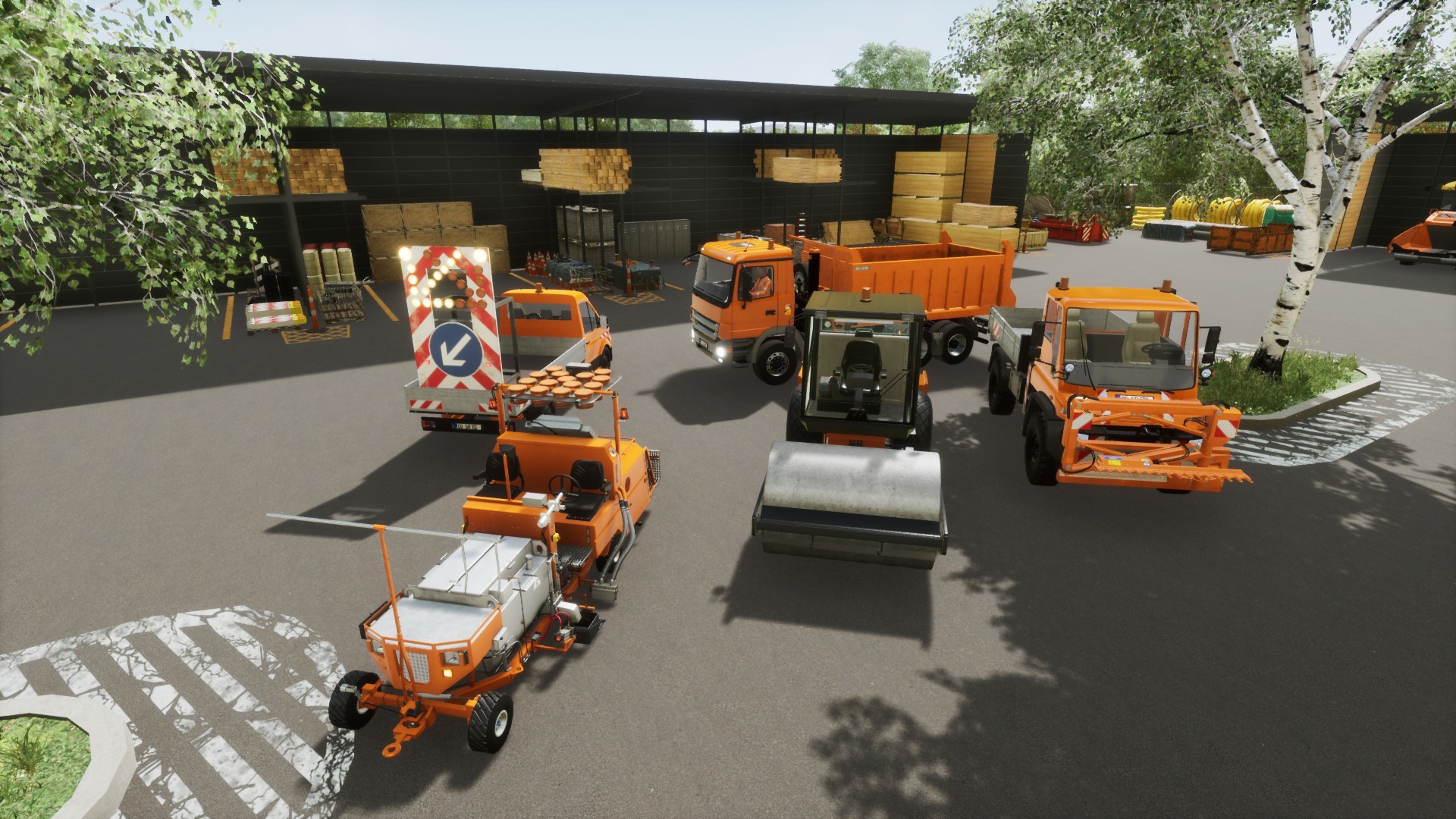
Experience the everyday life in a German street maintenance service and complete a variety of realistic tasks in the area of road construction and maintenance! For your work you will have unique vehicles and various usable tools at your disposal. Numerous tasks await you! In Street maintenance service, 30 extensive missions await you in a freely navigable road network. Complete a variety of exciting tasks in your daily work, including placing road markings, removing safety barriers, trimming trees, cleaning roadsides, installing traffic signs, crash barriers and delineators, and, of course, repairing roads. Choose from a variety of vehicles! Drive in unique vehicles such as platform trucks and all-purpose vehicles in a freely drivable road network with highway, main and country road from your work yard to the site and complete your missions with combination roller and tar machine or even on foot!For your work you have various usable tools and objects at your disposal. Among them are motor vibrators, garbage gripper, cordless screwdrivers, signs, delineators and crash barriers. Features 30 extensive missions on the highway and main roads Freely drivable road network with freeway, main and country roads Walkable depot with fleet of vehicles and material warehouse More than 8 different road maintenance vehicles, such as bulldozer, all-purpose vehicle, road marking vehicle and dump truck Realistic tasks such as securing the work area, removing safety barriers, placing road markings, trimming trees, cleaning guard rails, cleaning roadsides, repairing roads, placing traffic signs, placing guard rails, placing delineators and much more Several objects for securing and completing the missions (from barks to guardrail to vibration dampers) Openworld map with interconnected road network Realistic graphics (Unreal Engine)
How to activate
Use the credentials you received (directly or via an external website) and log into the account. Make sure that the content on the account is correct (correct edition of the game, no playtime etc.) Add the purchased account to your console and set it as Xbox home account: Purchased account has to be added as a new user, not as a guest30 Xbox Series X S How to Make Account Primary! Change the credentials to make the account your own: Change the email Change the password Add 2FANOTE: Applying any changes to the purchased account, such as adding a payment method or changing the region, may result in the account being banned. In such cases, no refund is applicable. Once the account is added to your console (as a Xbox home account), download the game and switch back to the account you would like to play from. This way your progress will be saved on the account you are using.* The account should be used as a way of accessing the game/content you are interested in. It is not recommended to use it as your main account, as you might have issues with making purchases on it. *Note: Some content available in the Special Editions like in-game currency, skins, bonuses etc. may not be accessible from your main account.