Product details
- Type
- Game, delivered as a code
- Platform
- Xbox One
- Region
- REGION FREE
- Delivery
- To your account and email after payment
- Payment
- Azvoro balance
Description
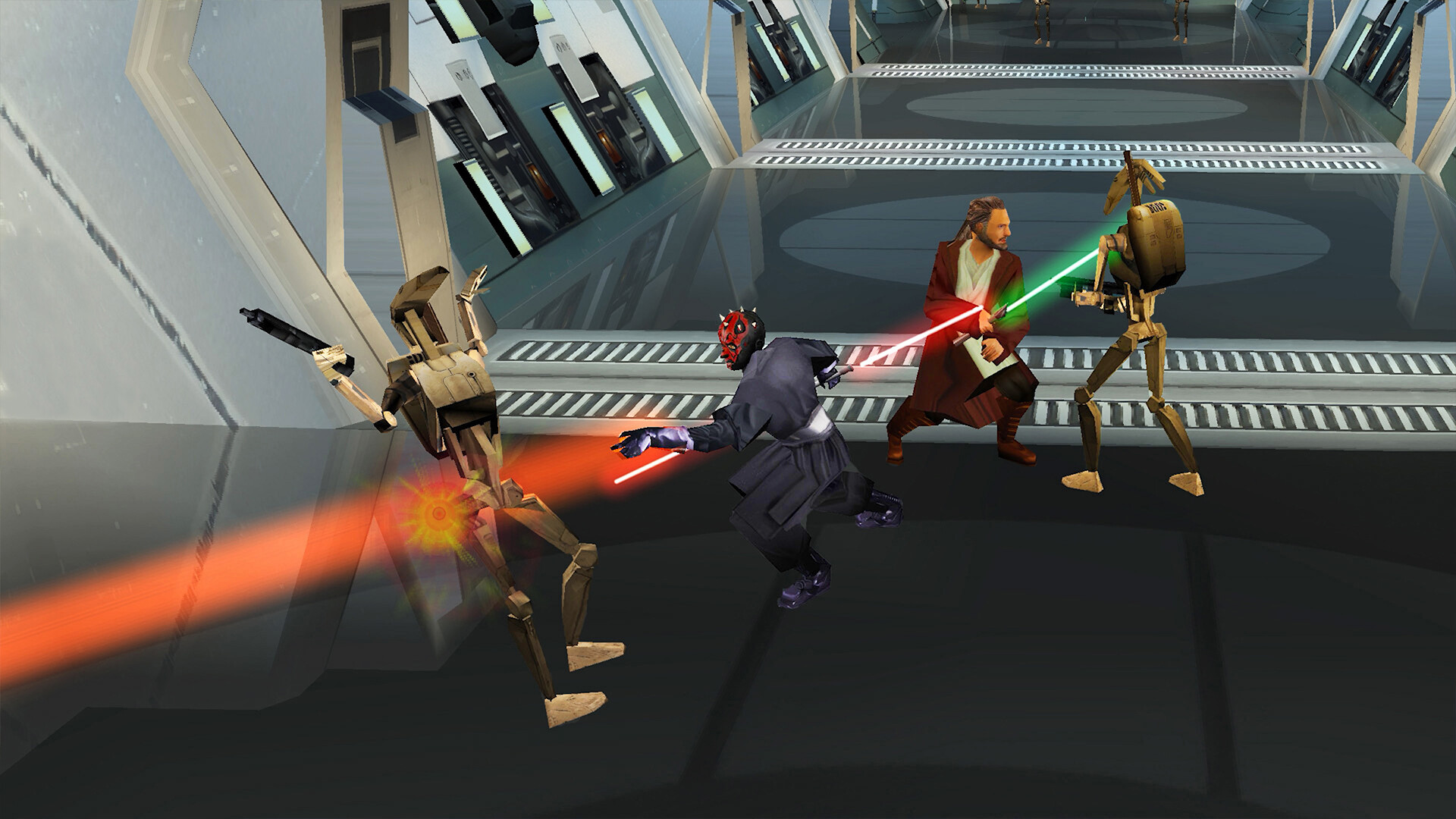
Deflect. Defeat. Destroy! Take back the Theed Palace in this fast and furious lightsaber action game. You will have the power of the Force and your trusty lightsaber to help you ward off legions of battle droids, destroyer droids, assassins, and other creatures from Star Wars: The Phantom Menace. Features Jump into Side-Scrolling Arcade Action in the Star Wars GalaxyPlay as Mace Windu, Obi-Wan Kenobi, Plo Koon, Adi Gallia, or Qui-Gon Jinn facing off against droids and other familiar foes from Star Wars: The Phantom Menace Or, play as one of the previously locked characters such as Darth Maul, Captain Panaka, Queen Amidala, Ki-Adi Mundi, and the Battle Droid, now available from the start! Bring a Friend in Classic Couch Co-opBattle side-by-side with a companion in 2-player couch co-op for the entire 10-level campaign and bonus mini-games Classic & New Game+Use classic or modern control schemes, toggle your Lightsaber colors to match the films, enjoy new playable characters such as the Tusken Raider, enter classic cheat codes like Big Head Mode, and discover more surprises in this 25th anniversary celebration of Star Wars: Episode I: Jedi Power Battles A controller is required for local multiplayer.
How to activate
Use the credentials you received (directly or via an external website) and log into the account. Make sure that the content on the account is correct (correct edition of the game, no playtime etc.) Add the purchased account to your console and set it as Xbox home account: Purchased account has to be added as a new user, not as a guest30 Xbox Series X S How to Make Account Primary! Change the credentials to make the account your own: Change the email Change the password Add 2FANOTE: Applying any changes to the purchased account, such as adding a payment method or changing the region, may result in the account being banned. In such cases, no refund is applicable. Once the account is added to your console (as a Xbox home account), download the game and switch back to the account you would like to play from. This way your progress will be saved on the account you are using.* The account should be used as a way of accessing the game/content you are interested in. It is not recommended to use it as your main account, as you might have issues with making purchases on it. *Note: Some content available in the Special Editions like in-game currency, skins, bonuses etc. may not be accessible from your main account.