Product details
- Type
- Game, delivered as a code
- Platform
- Steam
- Region
- REGION FREE
- Delivery
- To your account and email after payment
- Payment
- Azvoro balance
Description
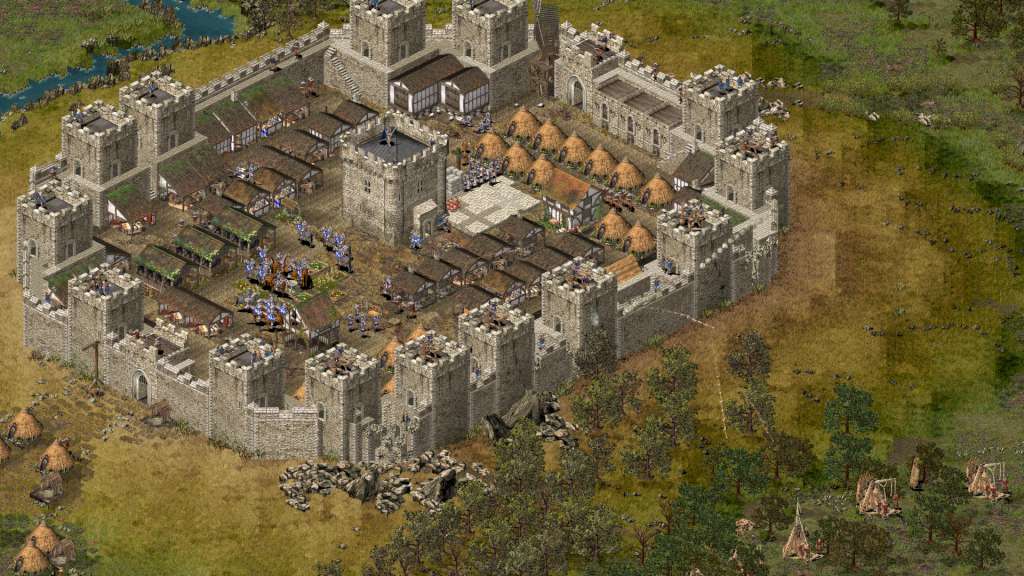
The original castle sim, Stronghold HD allows you to design, build and destroy historical castles. Engage in medieval warfare against the AI in one of two single player campaigns or online with up to 8 players. With 21 missions to test your mettle and four renegade lords to defeat, it is up to you to reunite medieval England and take back your lands from the treacherous Rat, Pig, Snake and Wolf. Missions range from breaking sieges and capturing enemy castles to raising gold and holding off enemy attacks. Also featured is a full economic campaign, tasking players to gather resources and build weapons within the time limit. HD Edition With new high resolution graphics you have more control over your soldiers than ever before. The new HD battlefield view allows you to zoom out and play in real-time, with the whole map on one screen. Advance on the castle gates while flanking the enemy from behind, feign retreat and lead your foe into a deadly trap or just sit back and watch the destruction unfold. Features Join the fight for medieval England as you drive back the forces of the villainous Wolf. Design and build your very own castle, with a working economy and brutal killing zones. Battle through 21 story-based missions, defending against enemy attack and dominating your foes. Besiege famous historical castles in unique game modes such as “Siege That!” or build to your heart’s content in the combat-free economic campaign. High resolution graphics allow you to view the entire map on a single screen. Steam Cloud support for saved games. Updated for Windows XP, Vista, 7 and 8 compatibility
How to activate
"Please remember that we are NOT responsible for any problems that may arise from purchasing and using Steam Gifts. You are doing it at your own risk. "Please note, that due to recent Valve Steam Gift policy update Steam Gifts for games that are covered by VAC ban program can no longer be added to Inventory. Make sure that you are logged in to the proper account before entering the link as Steam Gifts can be only added to your library or rejected. How do I use a Steam gift given to me? If you do not already have Steam, download and install Steam here. Once you have Steam installed, you will be prompted to create an account or login to an existing Steam account. If you do not have an account, please create one. You will receive an e-mail containing a link that will open Steam allowing you to redeem your gift. After clicking the link, you will receive a notification at the top right corner in the Steam client informing that you have a new gift.