Product details
- Type
- DLC, delivered as a code
- Platform
- Steam
- Region
- REGION FREE
- Delivery
- To your account and email after payment
- Payment
- Azvoro balance
Description
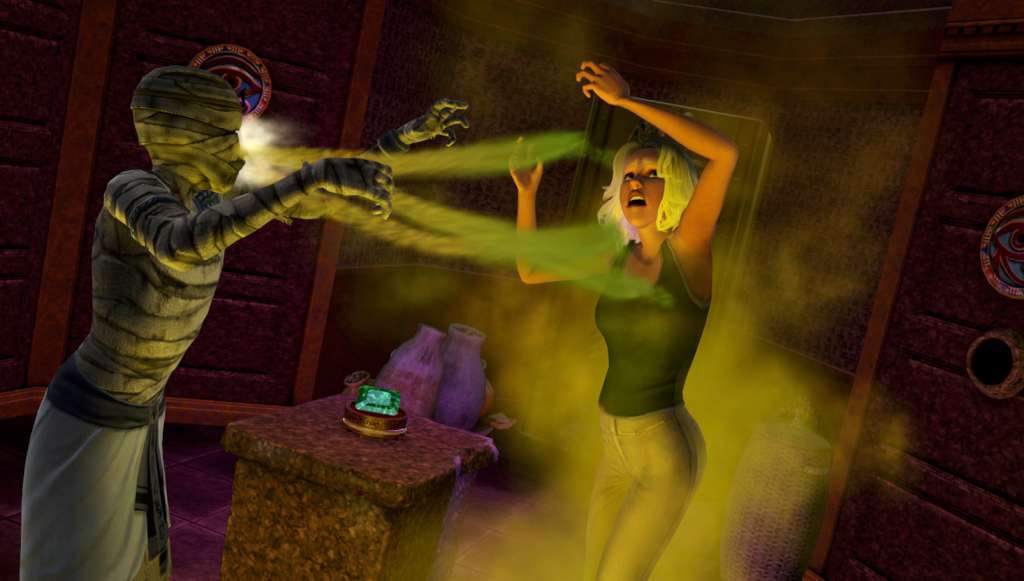
Take your Sims on the adventure of their lives with The Sims 3 World Adventures. Guide your Sims to acclaimed fortune—or potential doom. Take your Sims to exotic destinations to hunt for hidden treasures. Uncover new skills, experience new personality traits and garner rewards, if your Sims succeed. Explore ancient tombs in the pyramids of Egypt, master martial arts in the Far East, and discover rich culture and famous landmarks in France. Adventure is on the horizon — what will your Sims discover? Features Accept challenges, find treasures, and discover what’s lurking in hidden caves and more. Explore famous landmarks in China, Egypt, and France. Learn new skills like photography and pursue new opportunities. Meet new Sims from exotic locations and share their cultures. Customize your Sims homes with new styles & artifacts from their adventures.
How to activate
"Please remember that we are NOT responsible for any problems that may arise from purchasing and using Steam Gifts. You are doing it at your own risk. "Please note, that due to recent Valve Steam Gift policy update Steam Gifts for games that are covered by VAC ban program can no longer be added to Inventory. Make sure that you are logged in to the proper account before entering the link as Steam Gifts can be only added to your library or rejected. How do I use a Steam gift given to me? If you do not already have Steam, download and install Steam here. Once you have Steam installed, you will be prompted to create an account or login to an existing Steam account. If you do not have an account, please create one. You will receive an e-mail containing a link that will open Steam allowing you to redeem your gift. After clicking the link, you will receive a notification at the top right corner in the Steam client informing that you have a new gift.
You may also like