Product details
- Type
- Game, delivered as a code
- Platform
- Xbox One
- Region
- EUROPE
- Delivery
- To your account and email after payment
- Payment
- Azvoro balance
Description
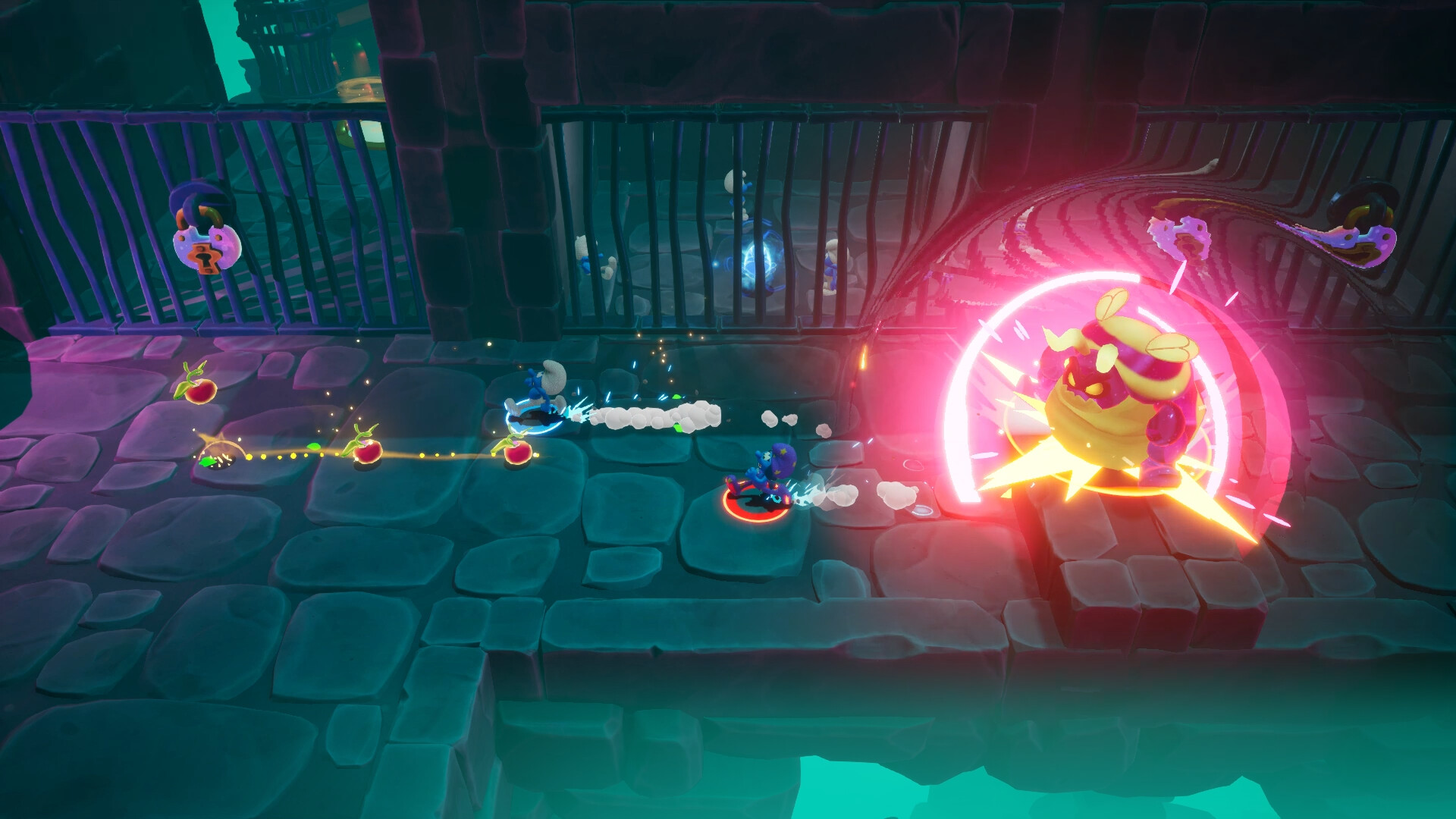
Gargamel has devised a new evil scheme to catch the Smurfs! He casted a cunning curse on the sarsaparilla bushes, causing a deep slumber across the Smurfs after they eat the delicious leaves.Embark on a dreamlike quest to awaken all the Smurfs before the evil Gargamel reaches the village! Experience a thrilling yet unpredictable journey: in the dreamworld, anything is possible and excitement can quickly turn into a nightmare...Alone or with a friend, discover enchanting locations and explore the dreams of your favorite Smurfs. Each dream is a unique adventure, with smurfingly exciting challenges and mind-boggling puzzles. Imagination comes to life in this fully immersive and magical 3D platformer. Features of The Smurfs: Dreams Solo or with a friend?Prevent Gargamel's evil plans from succeeding, alone or with a friend for a smurfabulous 2-player experience Dive headfirst into other Smurfs' dreamsVisit unique and vibrant worlds as you hop from dream to dream, and discover all of the Smurf Village's secrets Embark on the Smurfs' imaginationEach dream hides a nightmare - help the Smurfs overcoming their fears through puzzles, boss fights and many other surprises Jump, hop and dashUse your movements and tools to overcome the many challenges dreamt by the Smurfs A Smurf like youCollect magic orbs and patterns to customize your Smurf
How to activate
FROM A WEB BROWSER: Go to this website. Log into your Microsoft Account. Enter the key and click Next. Follow the prompts. IN THE MICROSOFT STORE ON WINDOWS: Press the Start button , and then enter store into the search bar. Choose Microsoft Store from the results to open the app. Select your account in the top-right corner of the screen, and then select Redeem code or gift cards. Enter the 25-character code, select Next, and then follow the prompts. ON XBOX ONE AND XBOX SERIES X|S: Press the Xbox button to open the guide, and then select Store. Press the View button to open the side menu, and then select Redeem. Enter the 25-character code, select Next, and then follow the prompts. ON XBOX 360: Press the Guide button on your controller. Select Games & Apps, and then select Redeem Code. Enter the 25-character code, and then follow the prompts to complete your redemption. Please note that Xbox 360 codes can ONLY be activated on the Xbox 360 console directly!