Product details
- Type
- Game, delivered as a code
- Platform
- Steam
- Region
- REGION FREE
- Delivery
- To your account and email after payment
- Payment
- Azvoro balance
Description
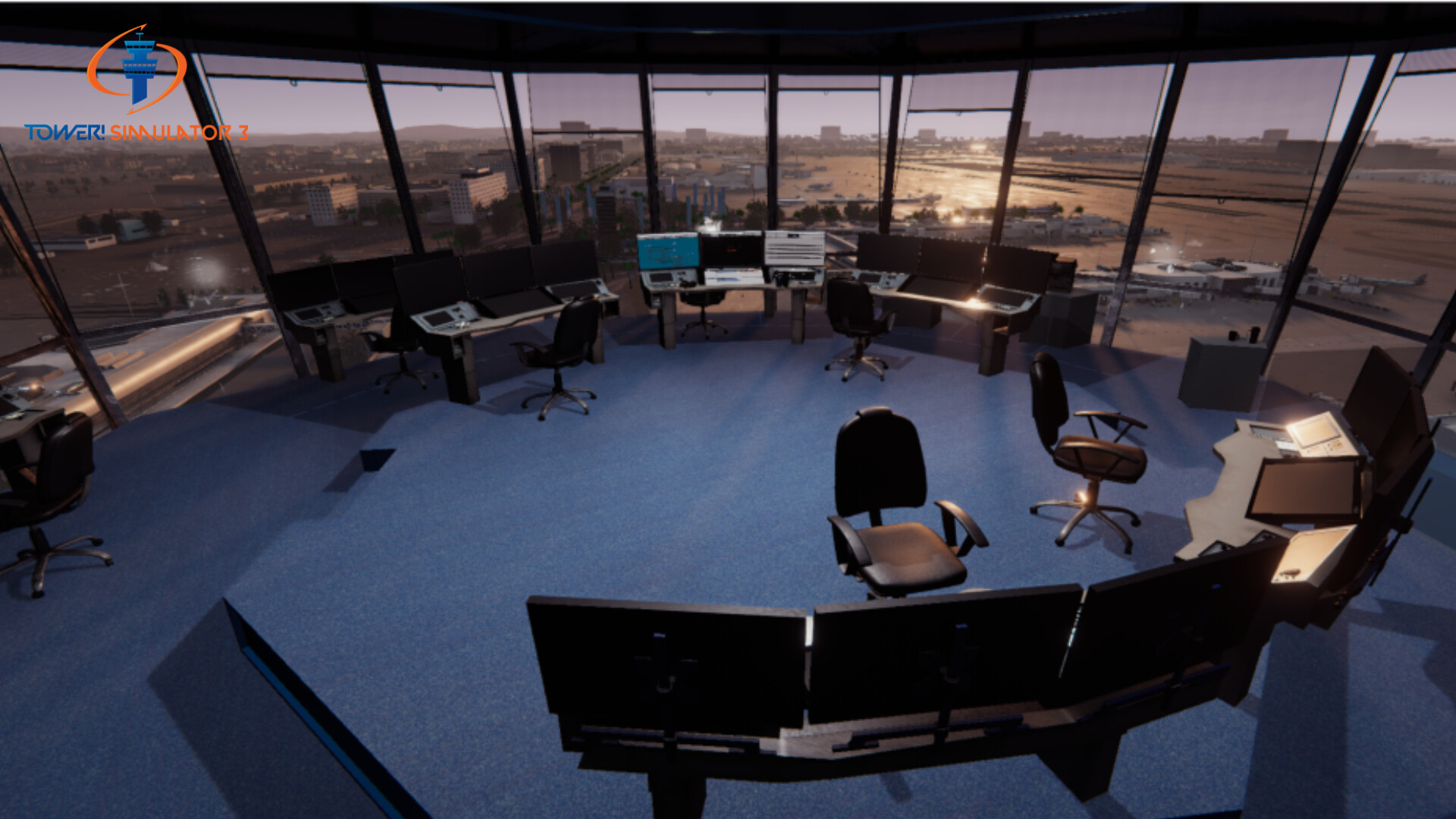
Introducing the latest generation of ATC simulator, that provides a level of immersion like no other. With advanced voice recognition, custom modelled and detailed airports and state-of-the-art lighting, geometry and textures. Watch planes take-off and land from the tower or down on the ground and feel like as if you were really there. Tower! Simulator 3 is the gold standard for air traffic control simulation.This new version will leave you shocked! Designed to allow aviation fans, enthusiasts, ATC students and anyone interested in air traffic control to play and practice controlling even from the comfort of your home. Features Greatly customizable (radars, schedules, data strips, airplane characteristic) Advanced voice recognition Realistic pilot voices provided by Acapela Group Even more available commands 3D Tower view Multi-monitor support Commercial version of the software is used for air traffic controller training Detailed Real-world Locations Using OSM (Open Street Map) we are able to model most of the surrounding area with never seen before detail. Realistic lighting, simulated in real-time, with technology used by movie studios. Tower! Simulator 3 will have the most accurate lighting with cinematic fidelity. We’ve made this simulator to be the true benchmark for visuals in air traffic control simulation, which will include famous airports from around the world. Airports Some airports will be included in the game by default, so you will have them available from the first moment.The first one of the airports to be included in Tower! Simulator 3 will be Raleigh-Durham (KRDU) in North Carolina. It has a main runway (5L-23R), a parallel runway (5R-23L) and a short runway (14-32), to serve its fluid regional traffic.Another confirmed air terminal is the all time favorite at our team – St. Thomas Cyril E. King International Airport (TIST), with a single runway (10-28) but with the spectacular natural surroundings of a Caribbean island. You can see preview images of this scenario in previous articles on this blog. The list of airports is not yet finished… more to come! Radar, Terrain, Strips Weather Tower! Sim 3 has brand new weather display designed to see weather data and to change active runways.This is a feature we were keen to add to the new simulator. Shortcut keys to focus and zoom into any windows or stand up to have a better look at the airport. This is just going to make ground control so much easier. Dynamic lighting Used in Tower Simulator 3 – is a type of simulated lighting where lighting calculations are computed in real time. Therefore, using dynamic lighting enables on-the-fly lighting calculations accounting for real-time variations, such as change in game state, narrative, player’s and characters’ positions and camera movement.After we started working on our light simulation and then quickly realized it was missing something. Therefore we teamed up with feature film visual effect professional and using the same tools and measu...
How to activate
Go to: http://store.steampowered.com/ and download STEAM client Click "Install Steam" (from the upper right corner) Install and start application, login with your Account name and Password (create one if you don't have). Please follow these instructions to activate a new retail purchase on Steam: Launch Steam and log into your Steam account. Click the Games Menu. Choose Activate a Product on Steam... Follow the onscreen instructions to complete the process. After successful code verification go to the "LIBRARY" tab and start downloading.