Product details
- Type
- Game, delivered as a code
- Platform
- Xbox One
- Region
- OTHER
- Delivery
- To your account and email after payment
- Payment
- Azvoro balance
Description
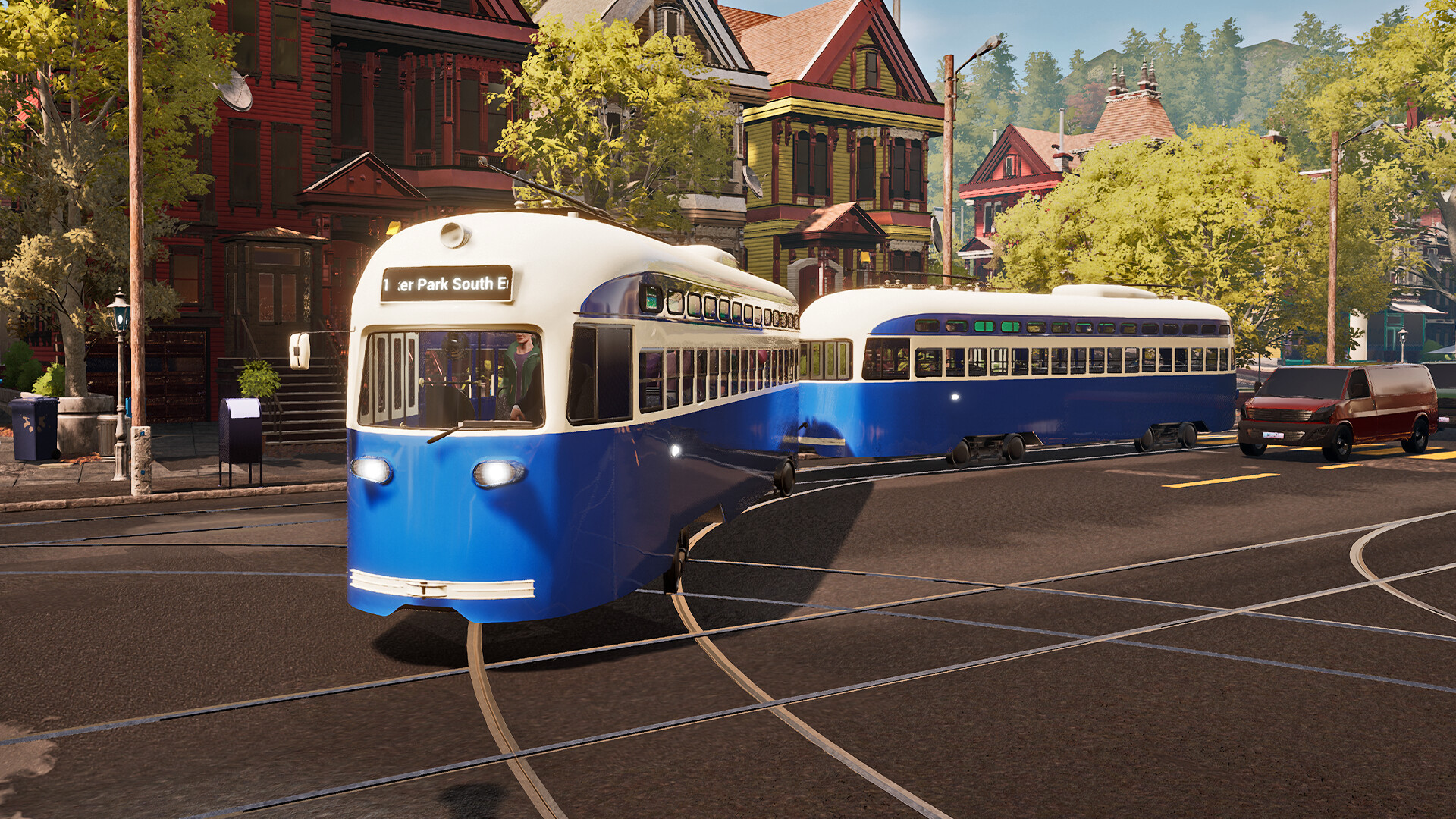
Welcome to Tram Simulator Urban Transit - get on aboard! In this game, you take on the role of a tram driver and manager in Angel Shores, the North American-themed city from the popular bus simulator game Bus Simulator 21 Next Stop. Drive 6 unique tram models, each boasting its distinctive style, from cutting-edge, sleek trams to those with a classic, timeless charm through the lively city with its numerous sights. Transport passengers with your trams and drive them to the numerous stops. Plan your own routes, carefully manage your timetables, and expand your tram network.
How to activate
Use the credentials you received (directly or via an external website) and log into the account. Make sure that the content on the account is correct (correct edition of the game, no playtime etc.) Add the purchased account to your console and set it as Xbox home account: Purchased account has to be added as a new user, not as a guest30 Xbox Series X S How to Make Account Primary! Change the credentials to make the account your own: Change the email Change the password Add 2FANOTE: Applying any changes to the purchased account, such as adding a payment method or changing the region, may result in the account being banned. In such cases, no refund is applicable. Once the account is added to your console (as a Xbox home account), download the game and switch back to the account you would like to play from. This way your progress will be saved on the account you are using.* The account should be used as a way of accessing the game/content you are interested in. It is not recommended to use it as your main account, as you might have issues with making purchases on it. *Note: Some content available in the Special Editions like in-game currency, skins, bonuses etc. may not be accessible from your main account.