Product details
- Type
- Game, delivered as a code
- Platform
- Steam
- Region
- REGION FREE
- Delivery
- To your account and email after payment
- Payment
- Azvoro balance
Description
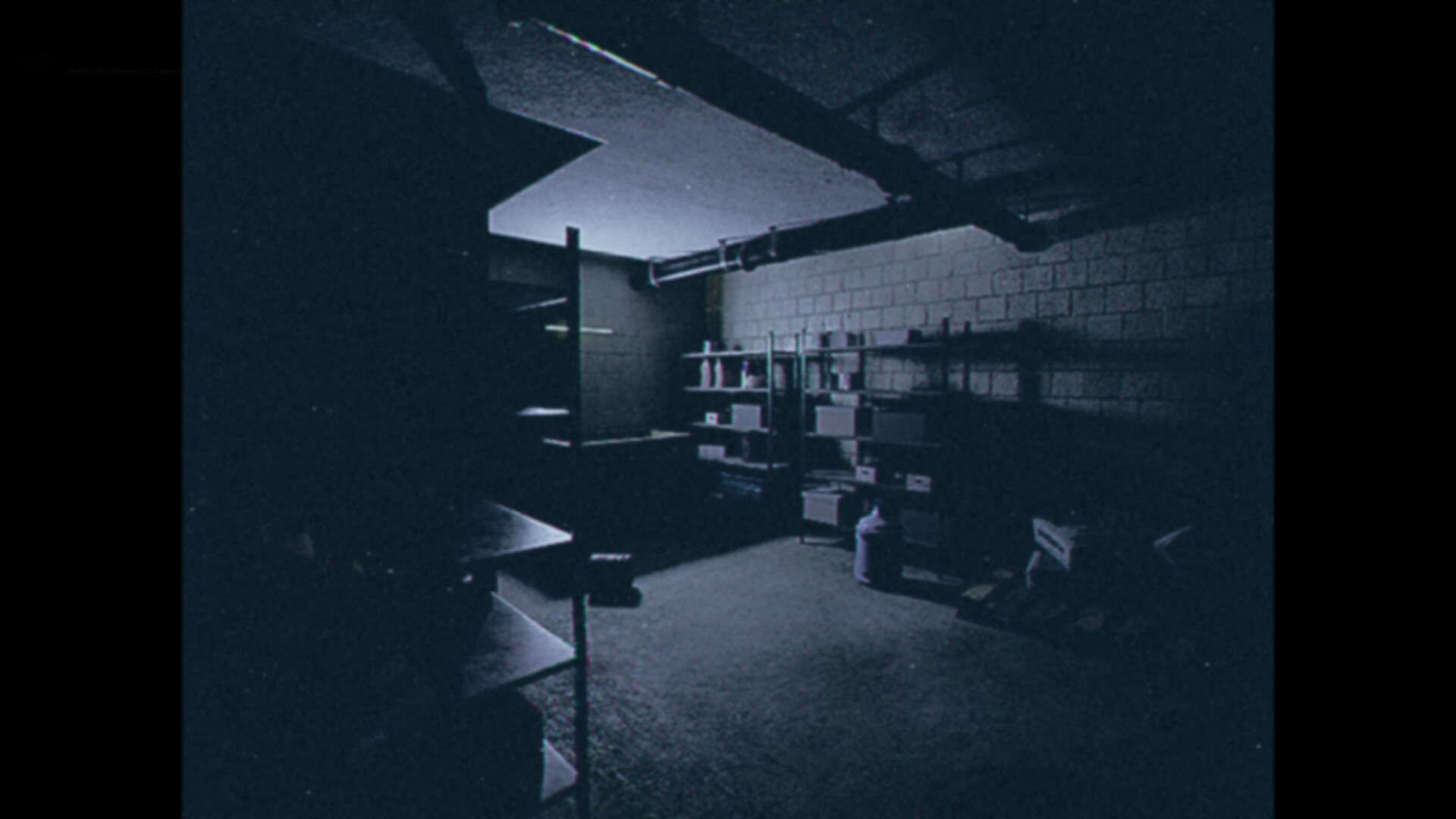
Life is like a videotape, where colors and sounds are imprinted on the blank tape, old memories can be revisited again and again, and the dull part of the story can be fast-forwarded. But, someone always presses the STOP button. Valley of Shadows is a short psychological horror game set in an ordinary American suburb. The story follows a regular family man named James, whose life takes an extraordinary turn when he returns home late at night after a hard day's work, only to find his house empty and his wife and daughter mysteriously vanished. A cryptic videotape left by an unknown visitor on the doorstep sets the stage for a chilling adventure.As James attempts to unravel the mystery of his missing family, he is plagued by a sense of paranoia and the eerie feeling that he is constantly being watched. Paranormal forces turn his reality into a living nightmare, as he navigates through the unsettling environment, trying to piece together the clues left behind. Features Built on Unreal Engine 5, creating an immersive and atmospheric environment with photorealistic graphics. Experience a "walking simulator" gameplay style, enriched with easy puzzles that enhance the storytelling. Valley of Shadows focuses on atmospheric psychological horror, prioritizing a lingering atmosphere of terror over cheap jumpscares. The game offers a concise narrative, with approximately 30 minutes of gameplay, perfect for a spine-tingling evening. Prepare to delve into the eerie unknown in Valley of Shadows, where every shadow hides a deeper darkness, and the line between the ordinary and the nightmare blurs.
How to activate
Go to: http://store.steampowered.com/ and download STEAM client Click "Install Steam" (from the upper right corner) Install and start application, login with your Account name and Password (create one if you don't have). Please follow these instructions to activate a new retail purchase on Steam: Launch Steam and log into your Steam account. Click the Games Menu. Choose Activate a Product on Steam... Follow the onscreen instructions to complete the process. After successful code verification go to the "LIBRARY" tab and start downloading.